


Orchestrate the systems behind your operations
Governed AI agents that execute real operational work.
Move 4 outdoor work orders to Monday and send 3 technician emails? Nothing is sent until you approve.
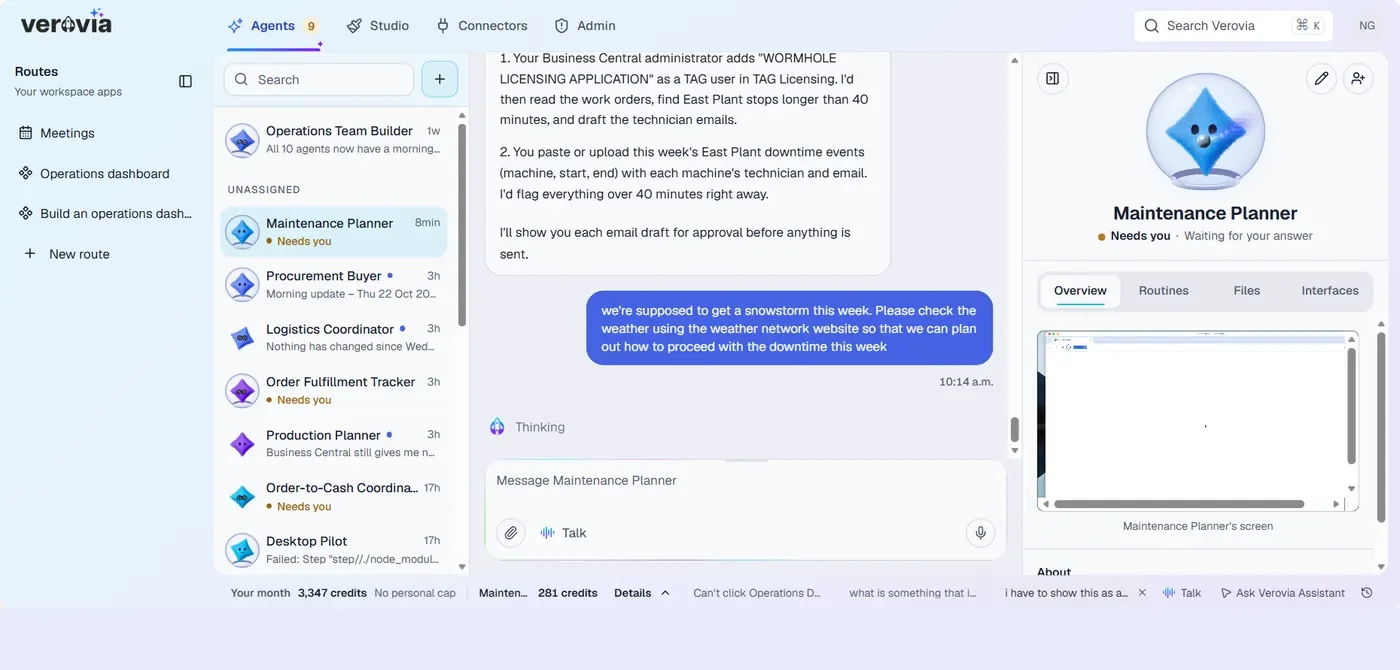
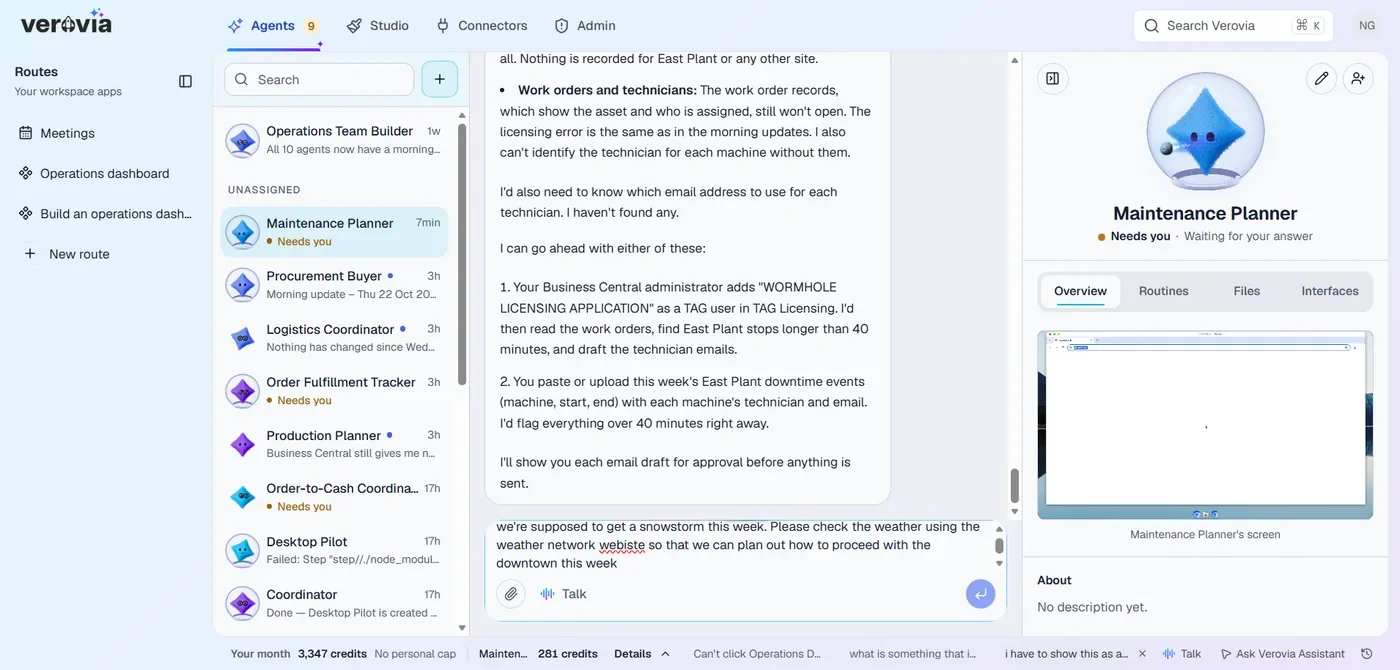
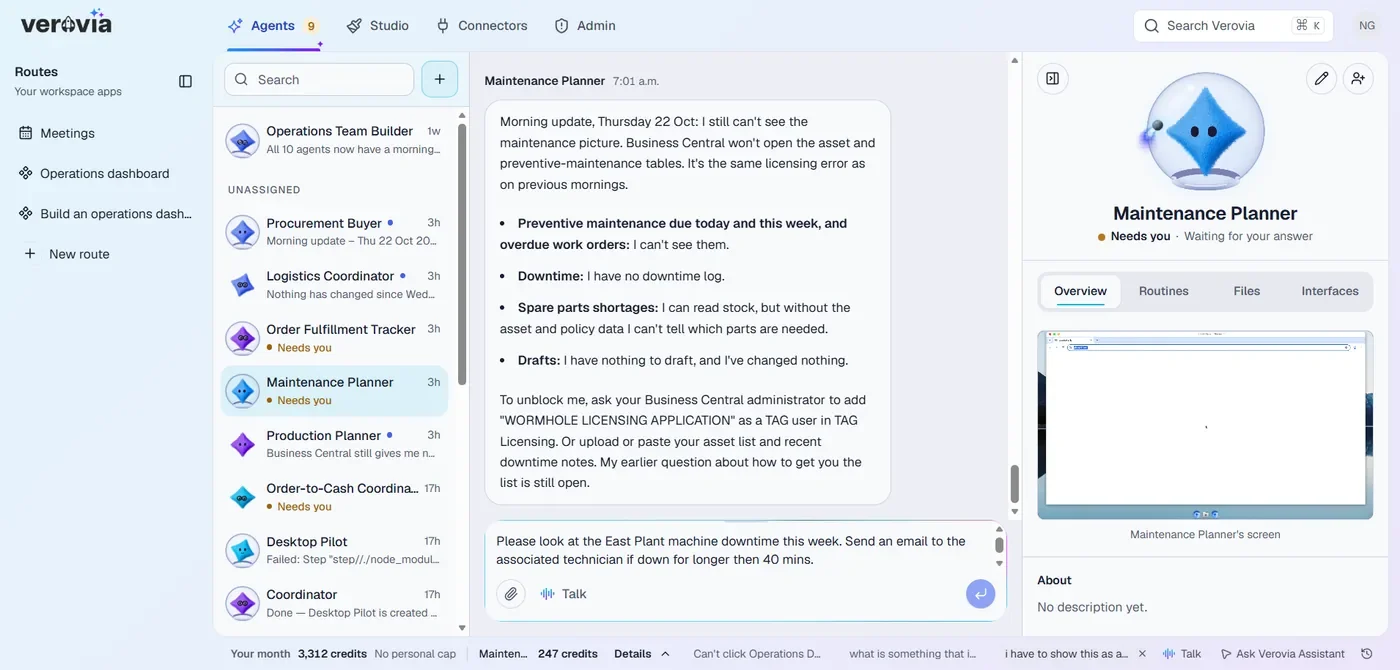
- 1You brief the agent the way you would brief a colleague.
- 2It works in the thread, step by step, where you can see it.
- 3It stops and asks when a decision is yours.
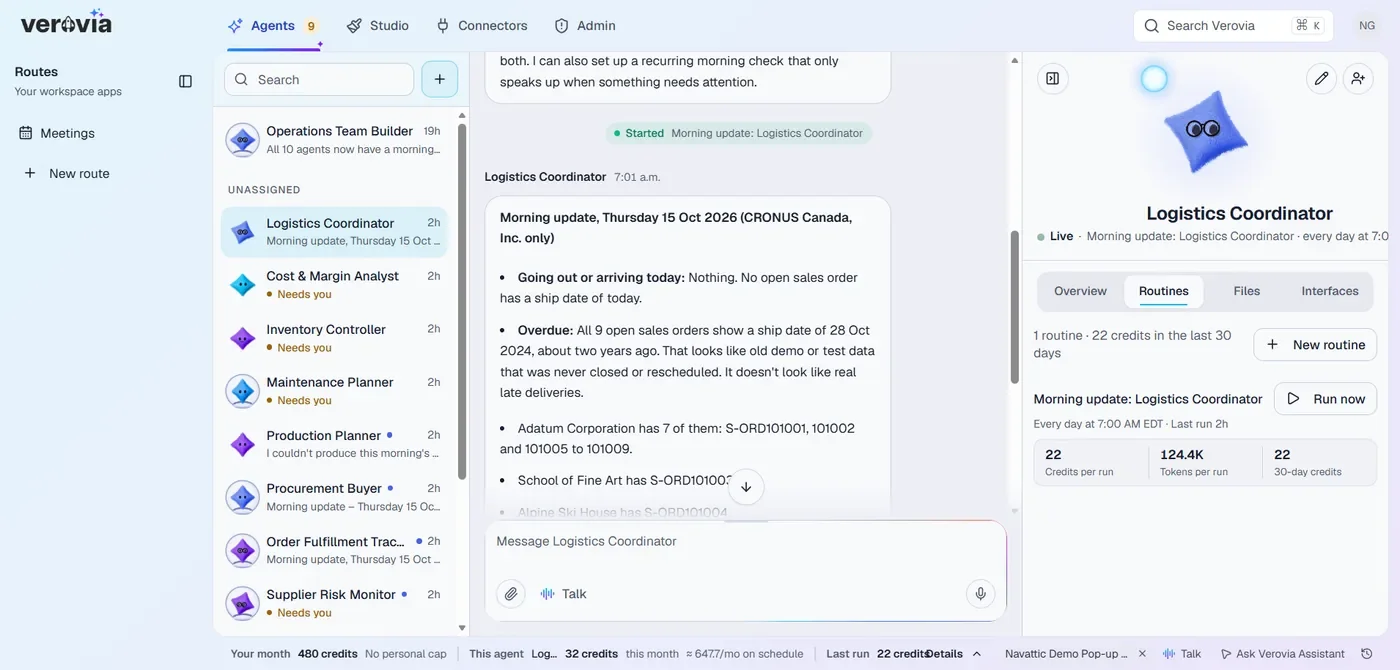
Logistics Coordinator: 9 open sales orders still carry a 2024 ship date. Close them, or reschedule?
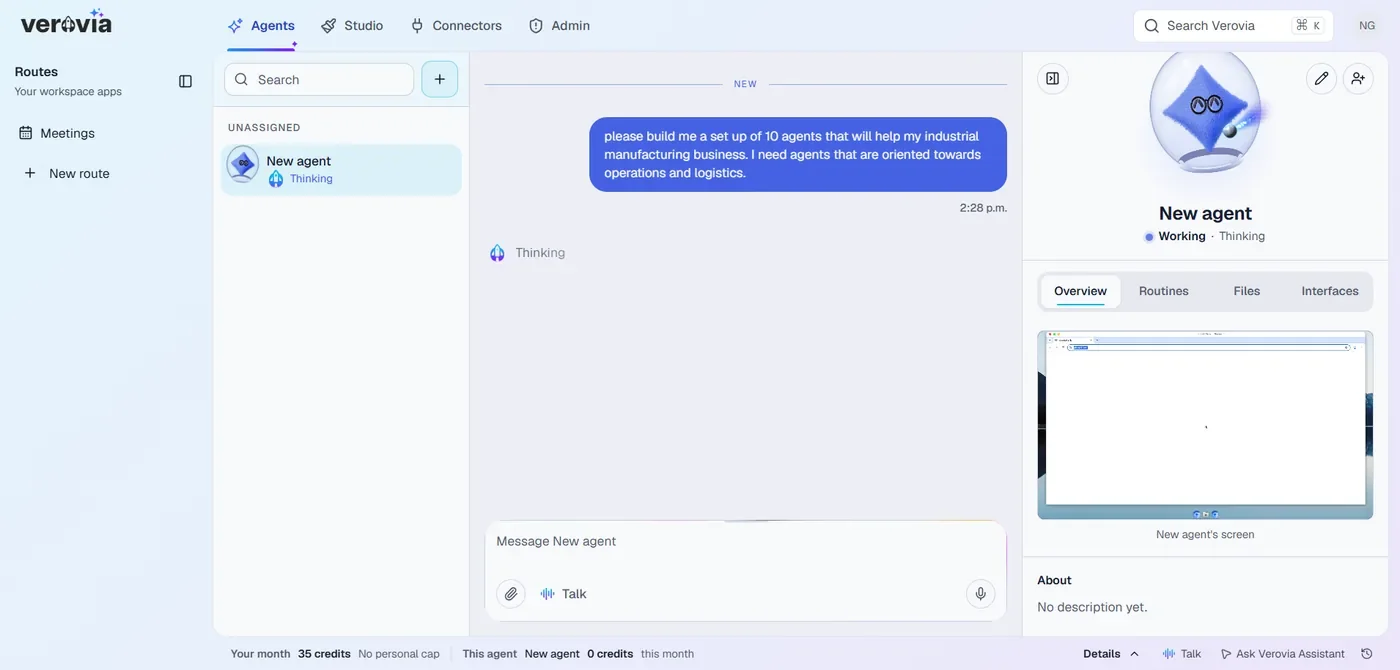
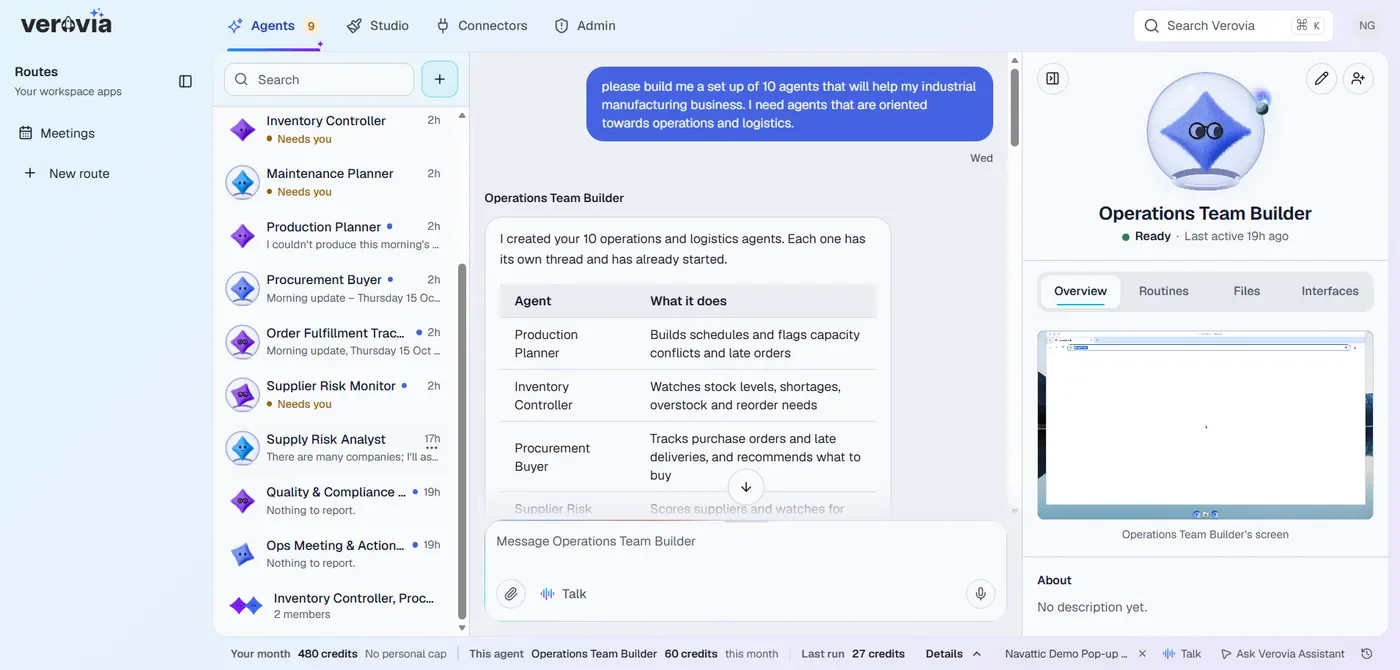
- 1One request sets up a full team.
- 2Each agent has a role, and you can see what it does.
- 3Routines run on schedule, and show what each run costs.
2 production orders at risk. Order 500 hex bolts M8 from Northline for Friday delivery?
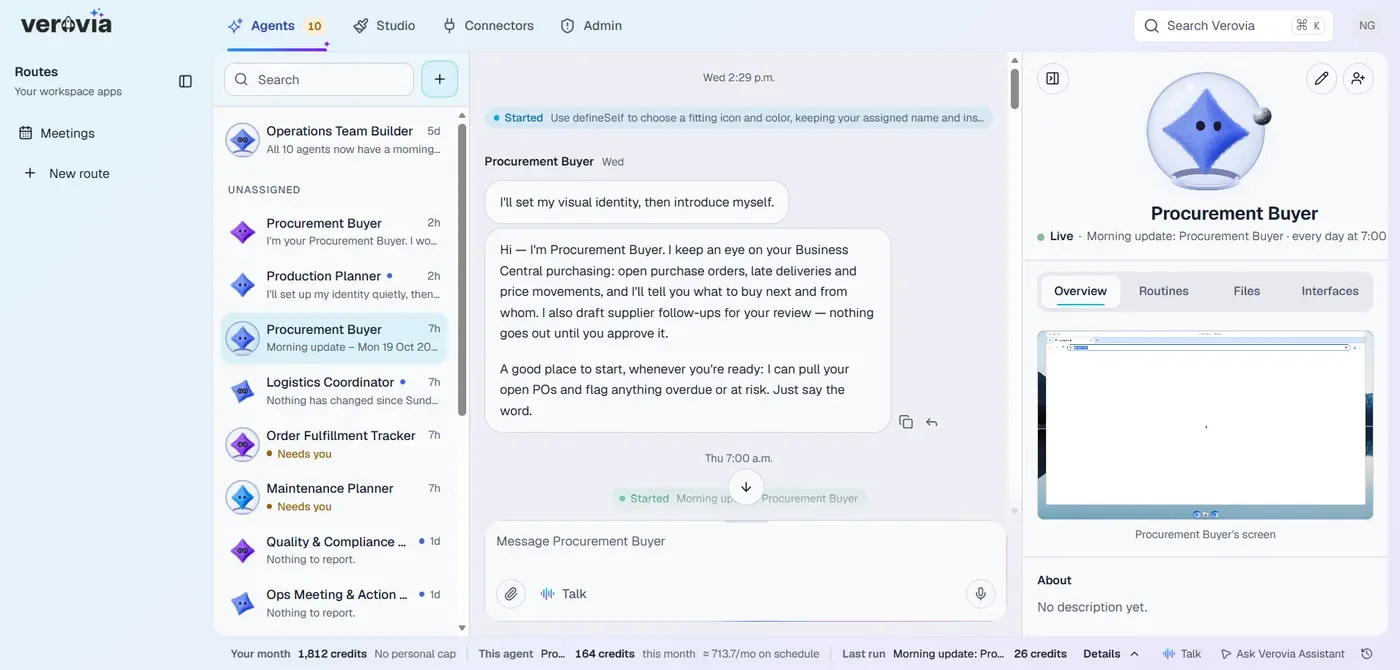
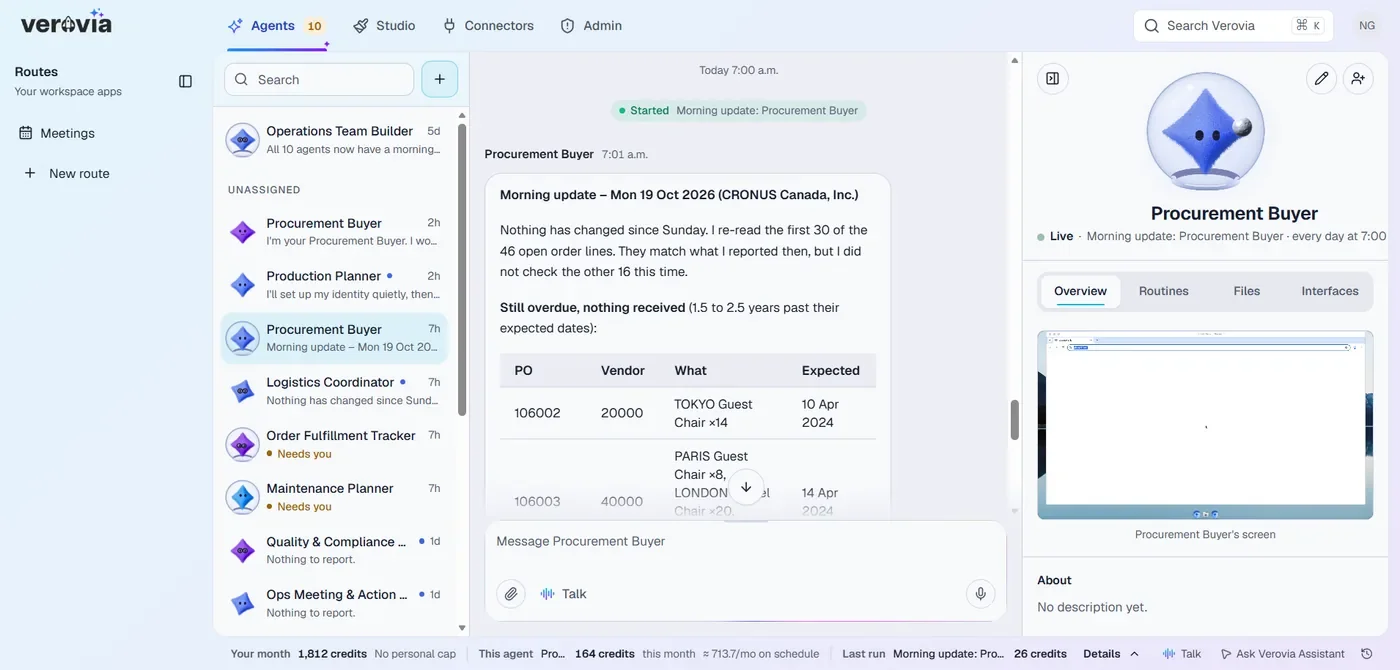
- 1The agent knows your purchase orders and your suppliers.
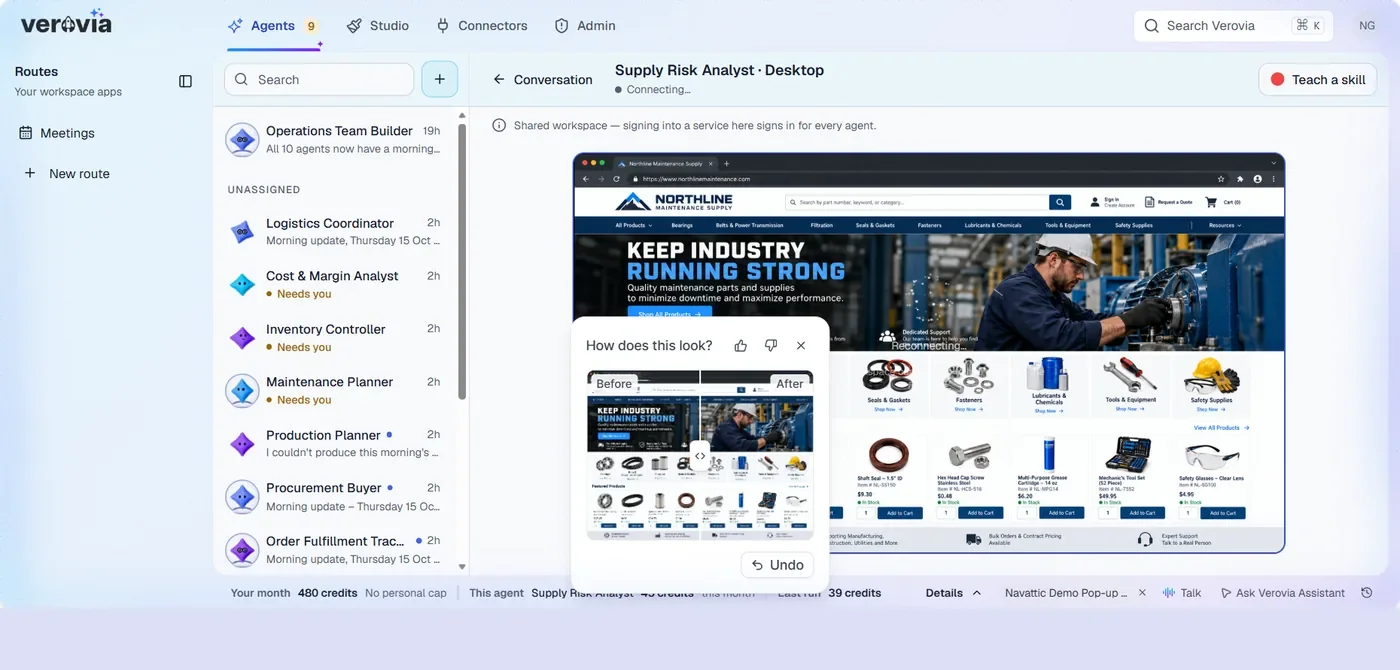
- 2It can use a browser to work with systems that have no API.
- 3Every morning, a short update on what changed.
Publish to the Operations route so your team opens it from the sidebar. You choose who can see it.
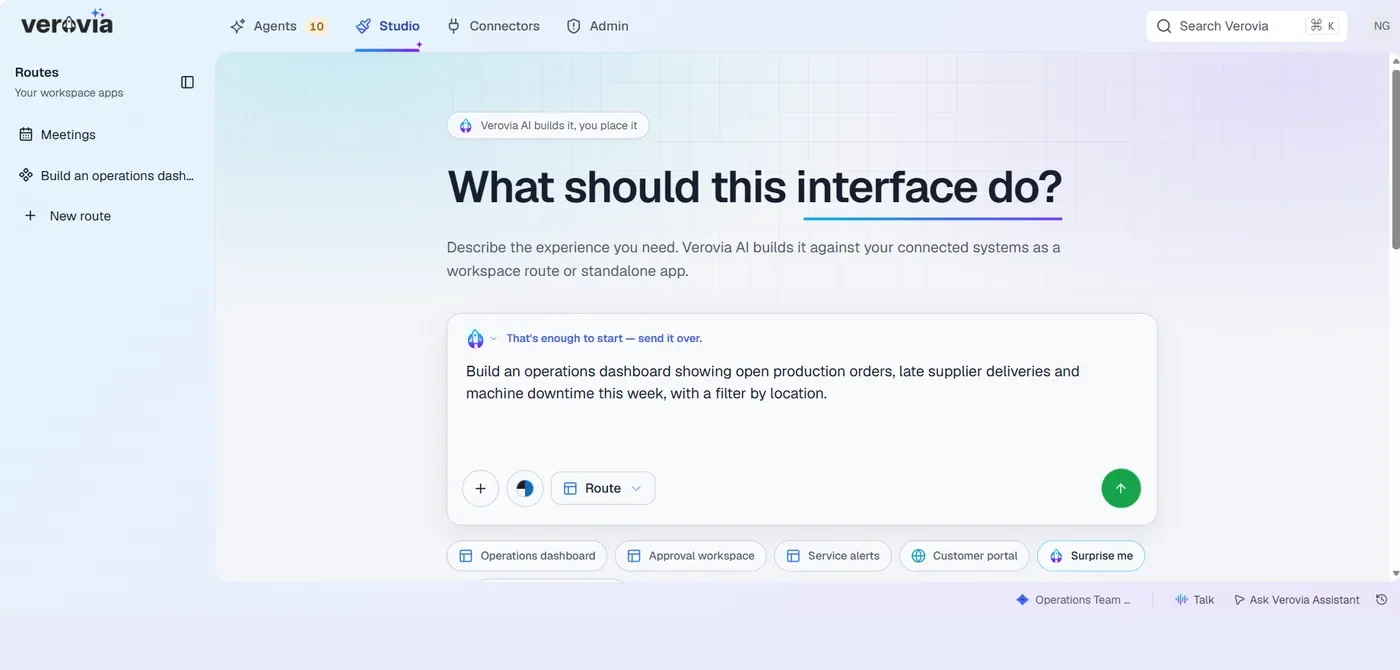
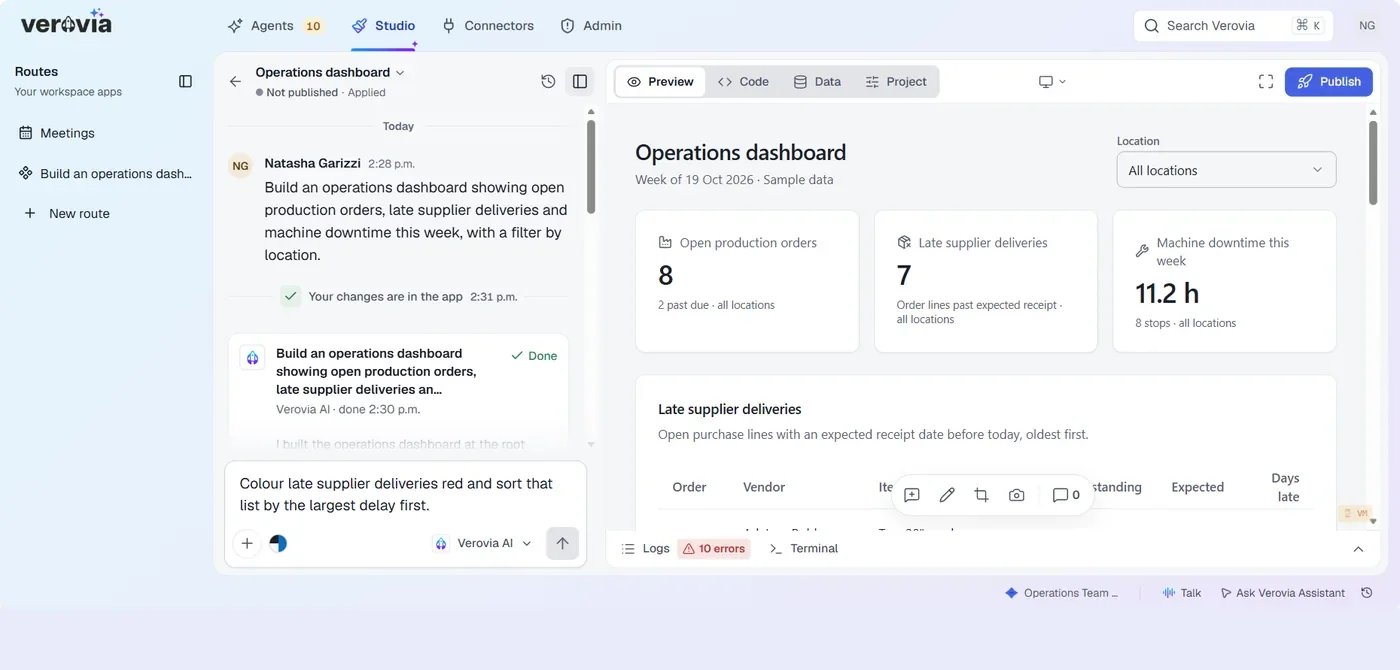
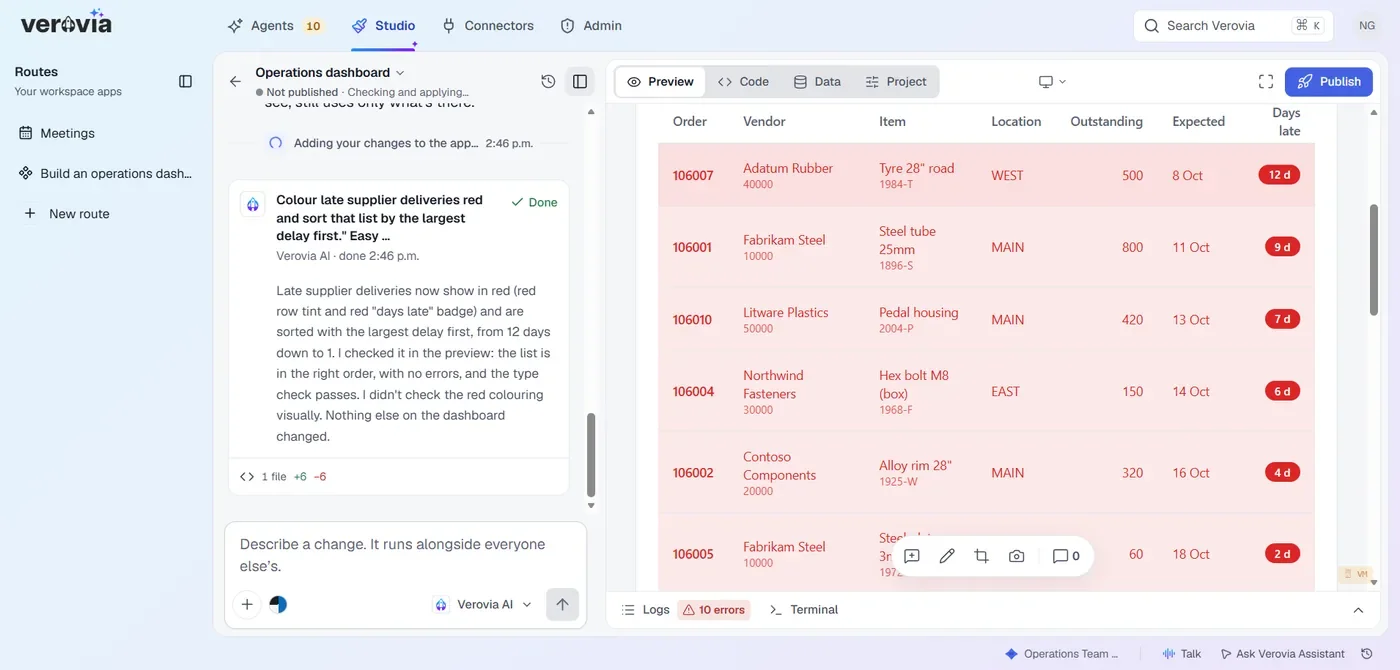
- 1Describe the view you want, in your own words.
- 2Connect your data and the same dashboard runs on live figures.
- 3Ask for changes in chat. Nothing goes out until you publish.
Every agent action is recorded and checked against your rules before it runs. Widen access when you are ready.
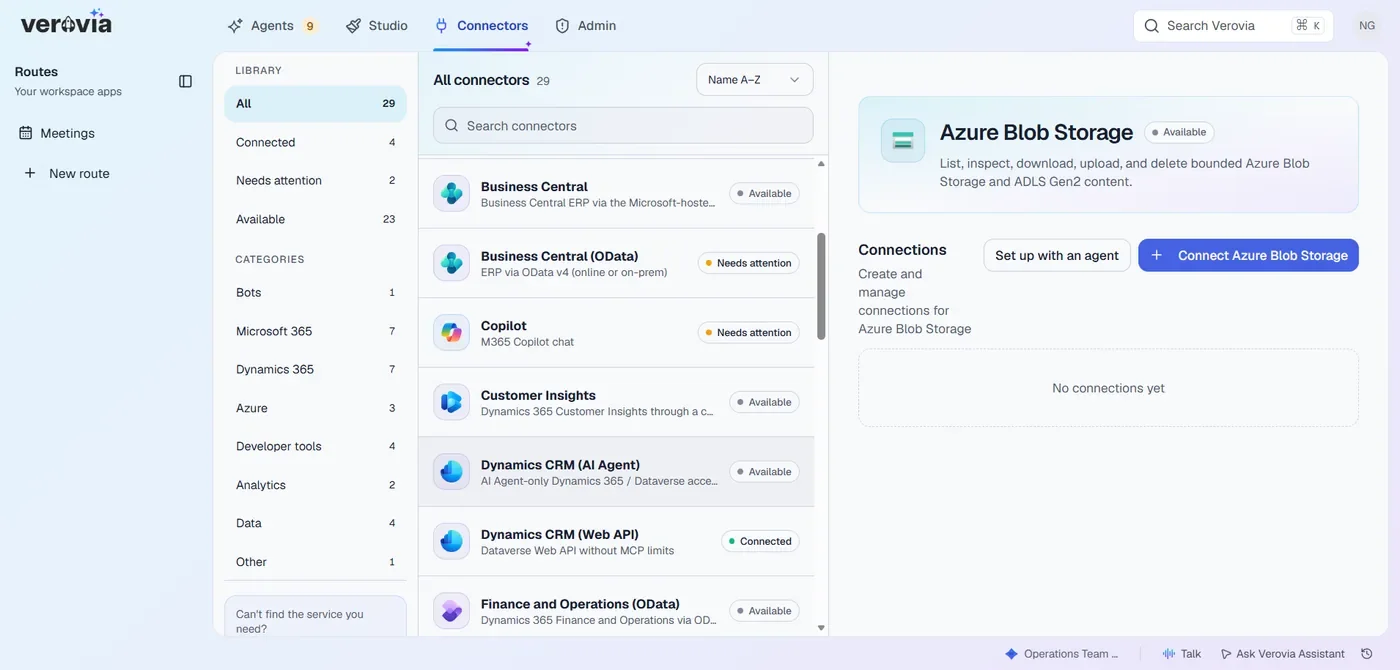
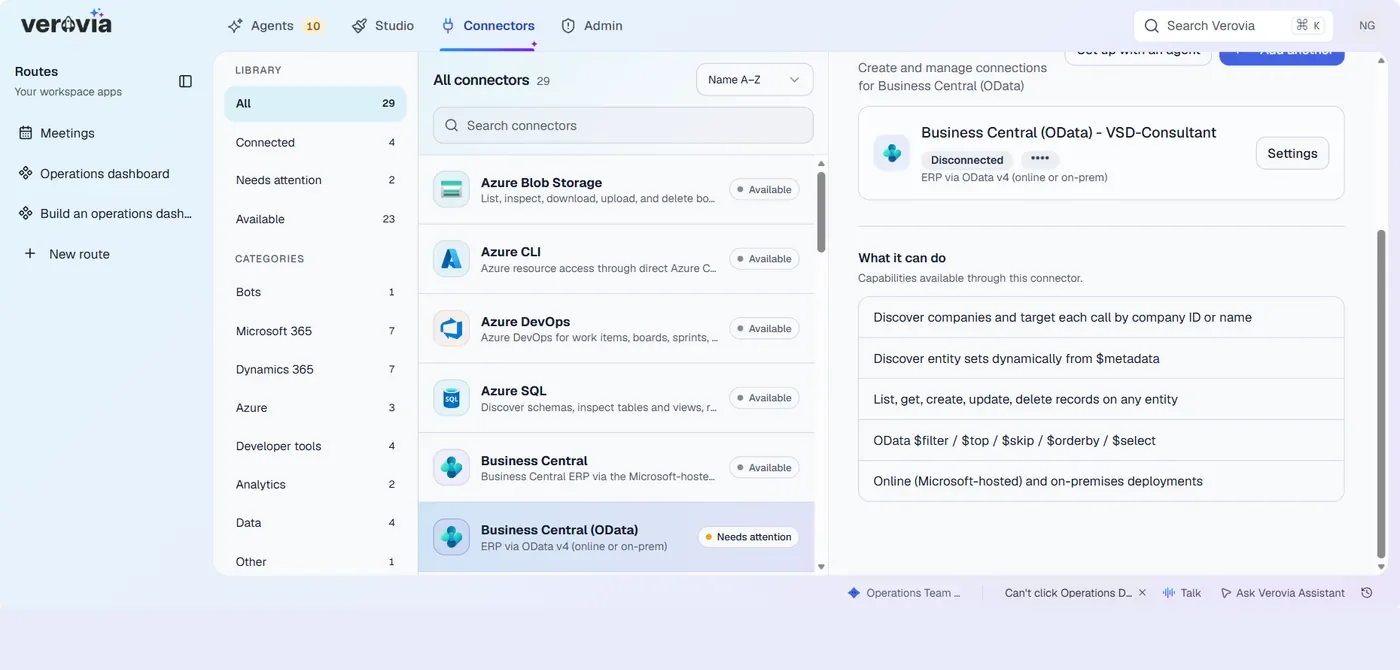
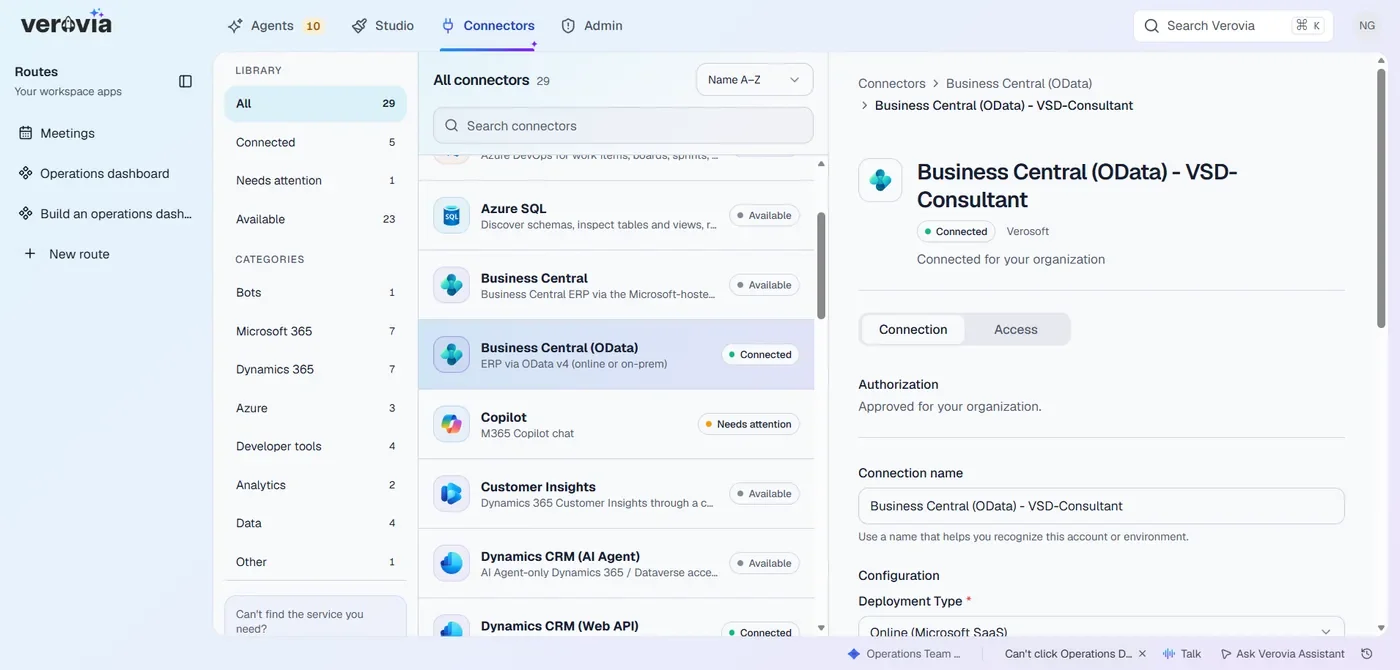
- 1One library for Business Central, Microsoft 365, Azure and your own systems.
- 2Each connector lists what it can do. You decide which actions are allowed.
- 3Approved by your Microsoft administrator. You decide who can use it.

Put AI to work across your industrial operations
Scale faster

Move from pilots to real operational workflows faster by connecting AI to the systems your teams already use.
Protect your company

Keep AI activity controlled with permissions, approvals, policies, and audit trails managed by IT.
Activate industrial data

Bring IoT and SCADA data into AI-powered workflows so signals from equipment and operations can trigger real business action.
You can save $60k to $235K per year vs traditional custom app development
Star Agents
Execute operational work with AI agents.
Star Agents are persistent, governed AI agents that execute real operational work. Give each Star a defined role, the memory and skills it needs, and the routines it should handle so work can continue without constant prompting.
Monitor systems, run routines, and respond to triggers without constant prompting
Work across APIs, connectors, and browser-based applications with computer use
Manage permissions, approvals, budgets, AI usage, and audit trails
Reuse Star Agents on all team projects to save setup time and keep processes consistent
AI Studio
Turn a sentence into a working app
Describe what you need in plain language, connect it to approved IT and OT data, refine the result, and publish a governed app for the teams who need it.
Build checklists, dashboards, and workflows from a sentence, sketch, or template
Connect apps to Microsoft D365, ERP, CRM, HCM, DMS, MES, SCADA, and other business systems
Deploy across desktop, phone, and tablet, with approved updates written back to core systems
Keep work moving behind apps with Spark Agents and computer use when an API is not available
Control access, approvals, cost, and audit from one place
Unify shop floor and office workflows
Connect the IT and OT systems behind your operations under IT’s control, then reuse approved connections across Spark Agents, apps, and workflows without rebuilding the integration for every new use case.
Connect Microsoft 365 and Dynamics 365 alongside ERP, MES, SCADA, PLCs, sensors, and other operational systems
Define who can use each connection, what it can access, and where it can act
Bring shop-floor signals together with business data so workflows can respond to real operating conditions
Reach legacy systems without APIs through an integration bridge or Spark Agent computer use
Reuse approved connections across agents, apps, teams, and sites with permissions, approvals, and audit trails
Connectors
Explore Verovia demos
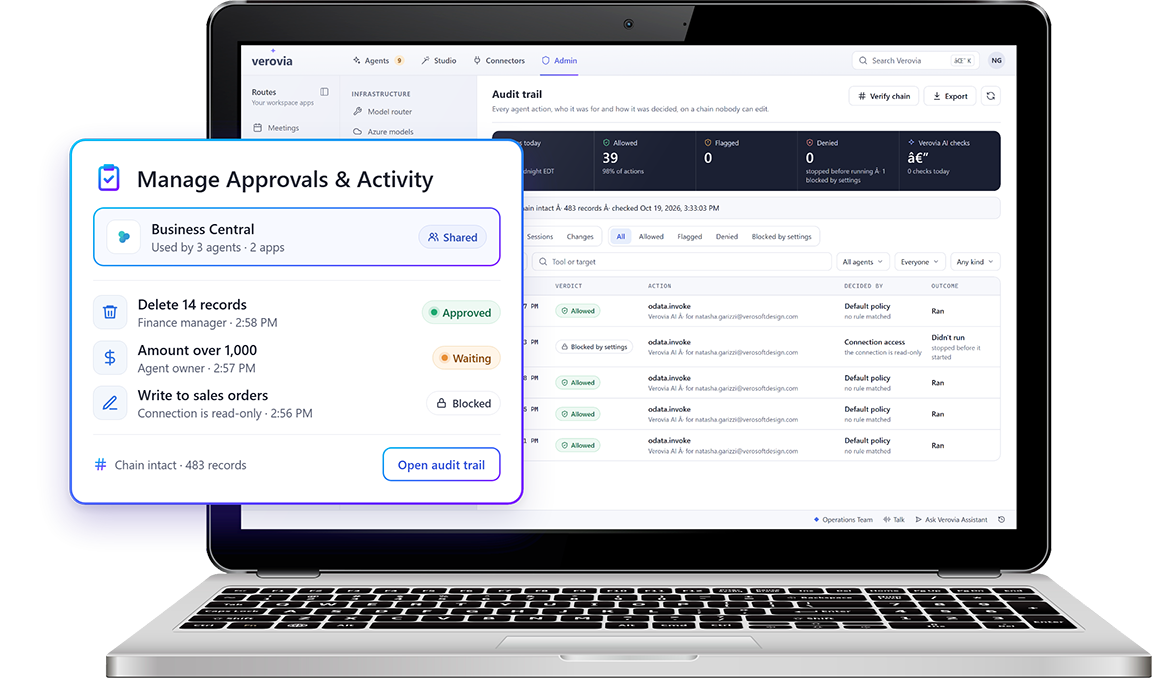
Verovia Governance & Security
Explore how Verovia helps you manage AI access, set permissions, control costs, and monitor activity across your business.
Verovia AI Studio
Describe what you need in plain language, connect it to IT and OT data, and publish a governed app.
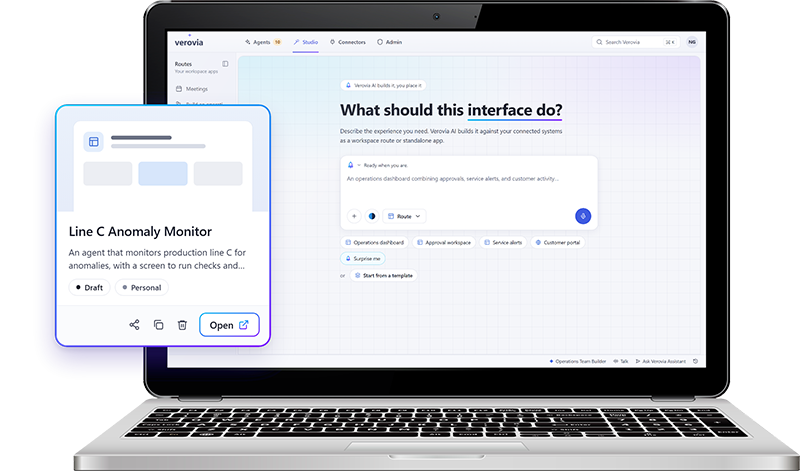
Verovia Connectors
Experience first hand how easily you can connect the IT and OT systems behind your operations.
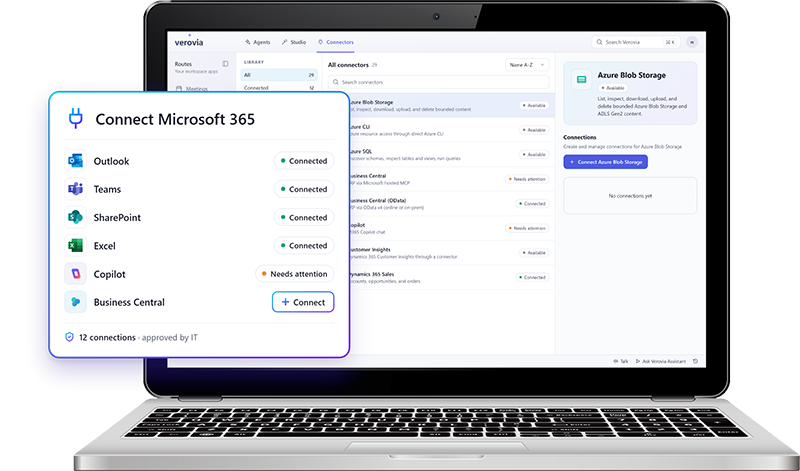
Verovia AI Agents
Experience AI agents that can take on work across your connected systems and applications.
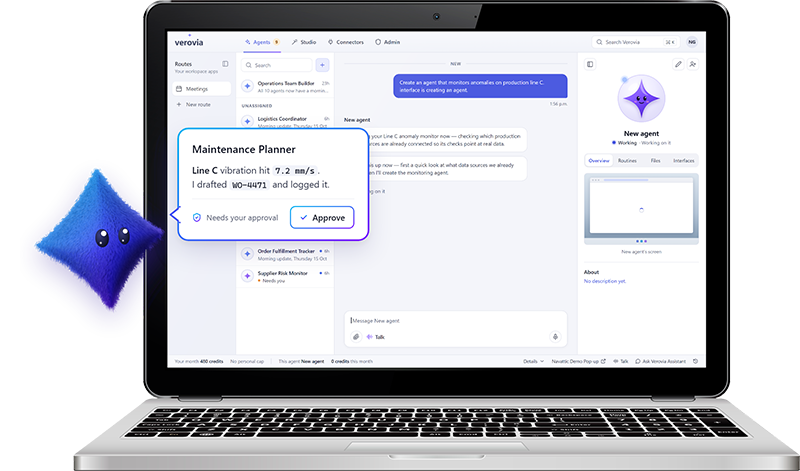
Govern and control AI from one place
Example workspace
Who can use what
Control who can access connections, agents, apps, and shared resources.
| Resource | Admin | Planner | Technician |
|---|---|---|---|
| SCADA historianConnection | |||
| Vibration sensorsConnection | |||
| Predictive maintenance agentAgent | |||
| Business CentralApp | |||
| Asset manualsShared resource |
Select a cell to grant or remove access. Admins always keep full access.
Example workspace
Rules every agent follows
Set approvals, policies, usage rules, MCPs, and guardrails for AI activity.
- ApprovalRequire approval before an agent creates a work order
- PolicyAgents can’t change safety-critical assets
- Usage ruleLimit each agent to 200 runs per day
- MCPAllow the Business Central MCP server
- GuardrailBlock prompts that contain personal data
Switch a control to see how rules apply across all agents at once.
Example workspace
Spend where it matters
Manage model routing, credit consumption, and spending controls.
Model routing
Picks a model for each request based on how complex it is. About 2.5 credits per run
Credit consumption this month
62%
3,100 of 5,000 credits used
Example workspace
Today’s activity
Track workflows, automations, login activity, status, and audit history.
- 08:42Vibration alert on Pump P-104: the predictive maintenance agent drafted a work orderAwaiting approval
- 08:40Sensor readings synced from the SCADA historianCompleted
- 08:15Maintenance planner signed in with single sign-onSigned in
- 07:58Work order WO-1042 approved and sent to Business CentralCompleted
- 07:30Weekly preventive maintenance schedule generatedCompleted
- 06:12Sign-in attempt from an unknown deviceBlocked
Every action is kept in the audit history.
Choose the right AI model for the work
Route each task to the model that fits best, with centralized controls for usage, policies, and access.
Extend your Microsoft stack with operational AI
Verovia connects with the Microsoft tools your business already relies on, including Microsoft 365, Dynamics 365, Azure, and Business Central, so you can work in the data and systems behind your operations.
Connect Microsoft 365, Dynamics 365, Office 365, Azure, and Business Central

Use approved Microsoft connections across Star Agents and AI Studio
Bring Microsoft data and workflows into operational AI use cases
Bring your SCADA data into your AI workflows
Connect your IoT and SCADA data with Verovia so agents, apps, and workflows can respond to real operational conditions, not just business-system data.
Use live operational data from connected equipment, sensors, and SCADA systems
Turn signals into action by triggering agents, workflows, alerts, or approvals
Combine operational and business data to give AI more context before it acts
Surface the right information in dashboards and purpose-built apps
Keep actions governed with the same permissions, approvals, and audit controls used across Verovia
Ready to move beyond AI pilots?
Share your goals, and we’ll help identify where AI can support them across your operations.
Frequently Asked Questions
What is an AI orchestration platform?
An AI orchestration platform coordinates AI agents, workflows, data, business systems, and human actions so they can work together as part of an end-to-end process. Verovia is designed to bring those pieces together across operational workflows rather than leaving AI isolated in individual tools or chat experiences.
How is AI orchestration different from AI workflow automation?
AI workflow automation focuses on using AI to automate individual tasks or workflows. AI orchestration goes further by coordinating multiple agents, systems, workflows, data sources, and people across a broader process. Verovia supports both, helping organizations automate work while managing how the different parts of the process interact.
What is agentic automation?
Agentic automation uses AI agents that can interpret context, plan next steps, and carry out defined work instead of following only fixed rules. In Verovia, Star Agents can work continuously, use connected systems, follow routines, and involve people when approval or intervention is required.
How does Verovia help move AI from pilot projects into operations?
Verovia gives organizations a shared platform for connecting AI to business systems, creating operational interfaces, deploying persistent agents, and governing how those capabilities are used. This helps move AI from isolated experiments into repeatable workflows where results can be measured against operational outcomes.
How is AI governed and controlled in Verovia?
Verovia provides centralized controls for access, permissions, approvals, model usage, workflows, costs, policies, and activity. Administrators can control who can use connected resources, which models are available, how AI is used, and where human approval is required.
How does Verovia fit into an existing Microsoft technology stack?
Verovia is designed for Microsoft-centred organizations and can connect with services such as Microsoft 365, Dynamics 365, Azure, and Business Central. This allows organizations to build AI-powered workflows around technology they already use while connecting the other systems required by the process.
Can Verovia work across multiple systems and departments?
Yes. Verovia is designed for processes that span different systems, teams, and functions. Agents and applications can use approved connections to bring together the information and actions a workflow needs, helping reduce the manual handoffs that typically occur between applications and departments.
What types of operational processes can Verovia support?
Verovia is suited to cross-system processes involving recurring work, exceptions, approvals, monitoring, and follow-up. Examples include production exceptions, asset and maintenance events, procurement workflows, compliance processes, operational reporting, and other workflows that require coordination across people and systems.