

AI Connectors
Your Systems Are Already Talking. But Are They Acting?
Connect AI agents to the business and industrial systems behind your operations, so data, decisions, and actions can move together.
Connect the systems behind your operations
Save 25% to 40% on time spent on repetitive, low-value tasks with AI agents.
Source: Boston Consulting Group (BCG), 2025
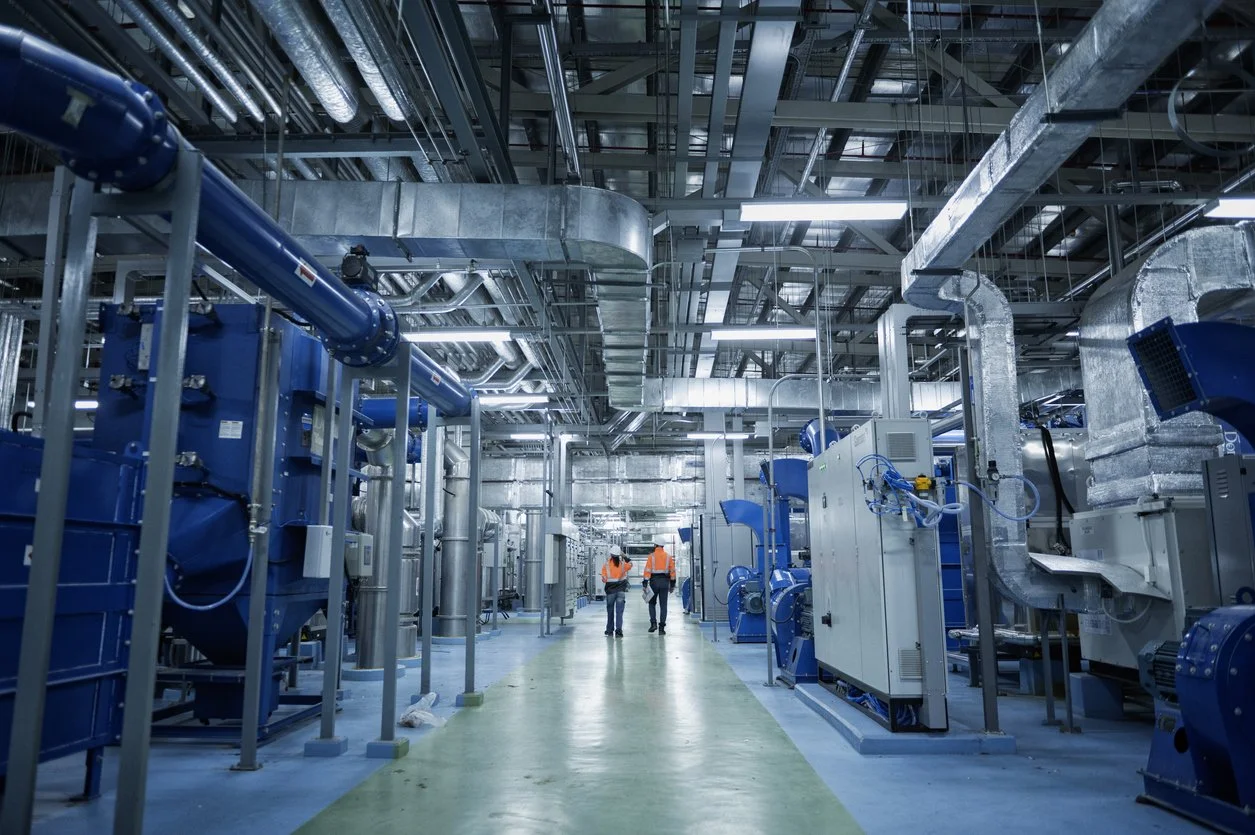
Connect your systems and put AI to work
Break down system silos

Connect business applications, industrial equipment, and data sources so work moves across systems without manual handoffs.
Build once, use everywhere

Reuse approved connections across AI agents, apps, and workflows without starting a new integration project each time.
Keep IT in control

Manage access, permissions, and approvals so AI can read information and take authorized actions securely.
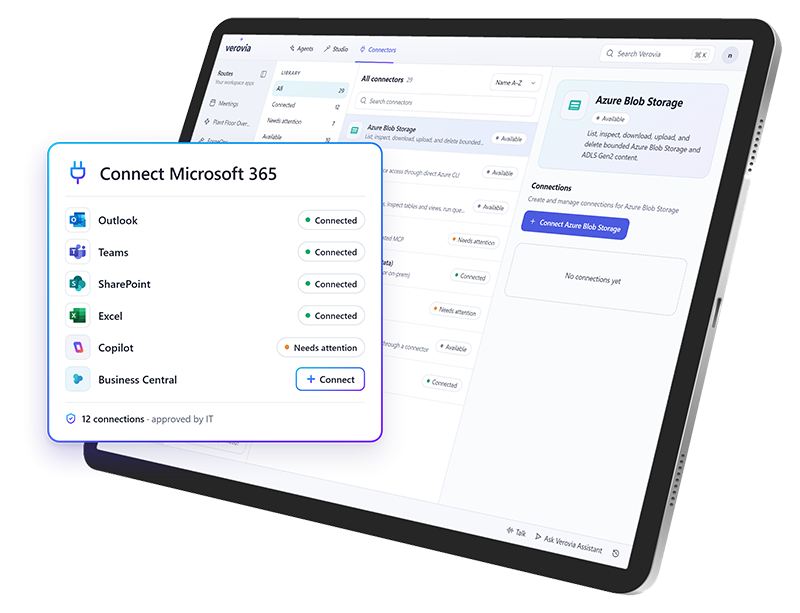
Microsoft-First Connectivity
Connect the Microsoft tools you already use and extend across your business
Built around Microsoft 365, Dynamics 365, and Azure, Verovia connects AI agents to the systems behind your operations, including third-party business applications and data platforms.
Microsoft 365, Copilot, and Dynamics 365
Azure SQL, Microsoft Fabric, and other data sources
ERP, MES, supply chain, finance, and HR systems
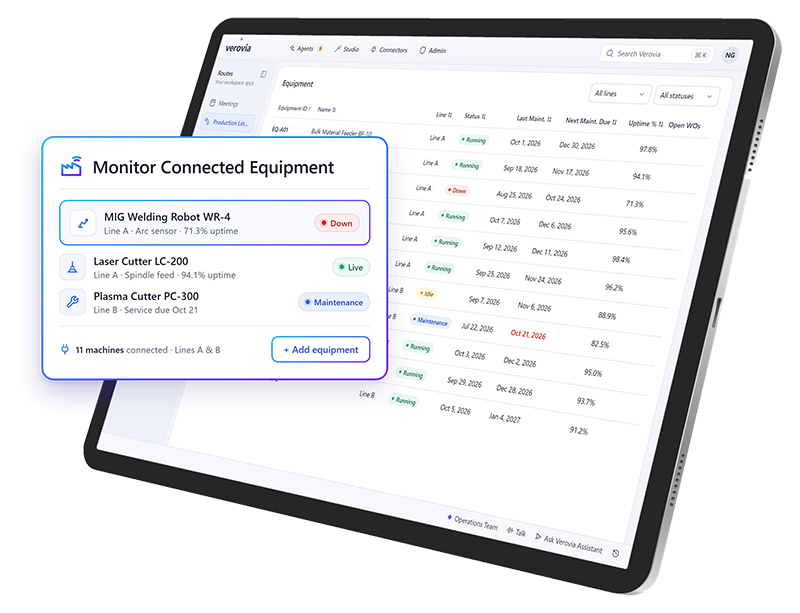
Industrial IT & OT Connectivity
Turn operational signals into business action
Bring SCADA, IoT, sensors, and equipment data into AI-powered workflows. Connect shop floor information with business systems so agents can respond to changing conditions and initiate the appropriate actions.
Access SCADA, PLC, and equipment information
Connect operational data with ERP and business workflows
Trigger follow-up actions based on equipment conditions
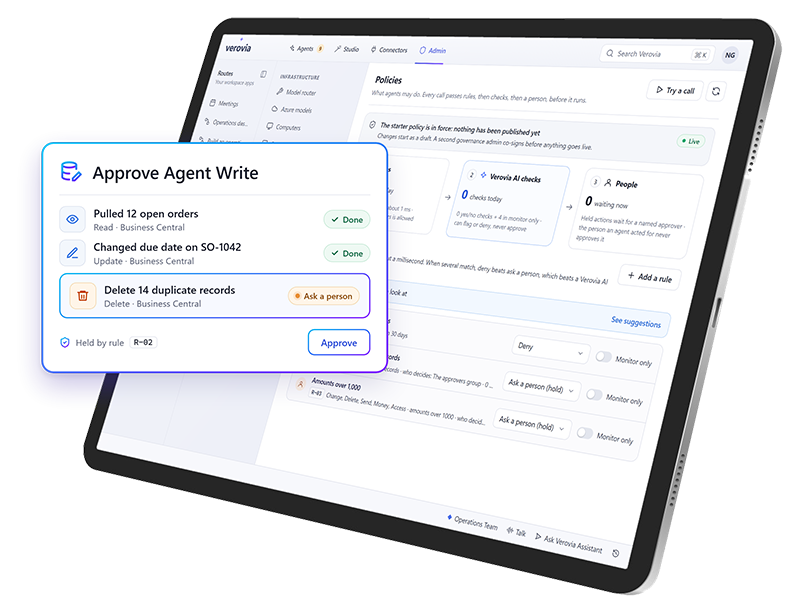
Read & Write Capabilities
Let AI take action across connected systems
Go beyond retrieving information. Give Star Agents, apps, and workflows authorized access to read, create, update, or delete records, helping work move forward without manual intervention at every step.
Retrieve information from approved systems
Create and update records across applications
Execute authorized actions with approval when required
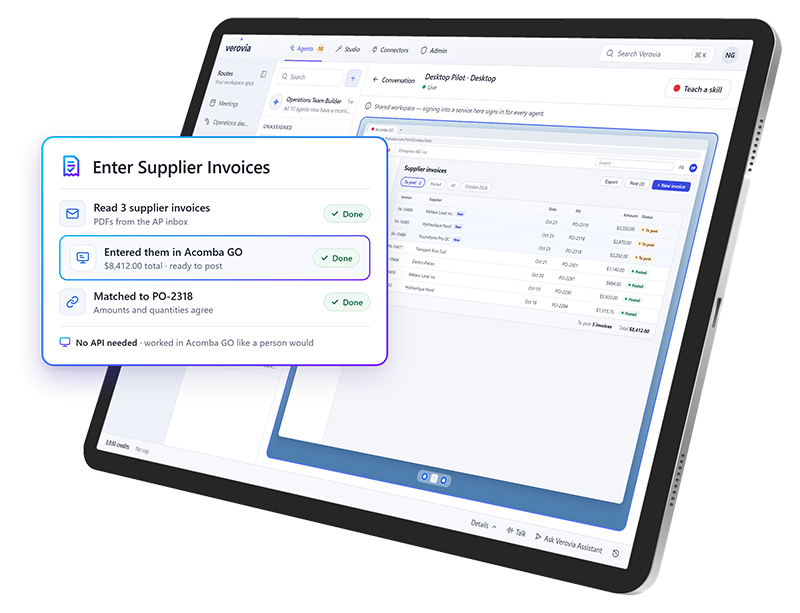
Legacy System Integration
Connect older applications, event without APIs
Extend AI workflows to legacy systems through integration bridges and computer use. Star Agents can interact directly with application screens to retrieve information and complete approved tasks.
Connect through APIs or integration bridges
Use computer use to navigate browser-based applications
Extend automation to older systems without replacing them
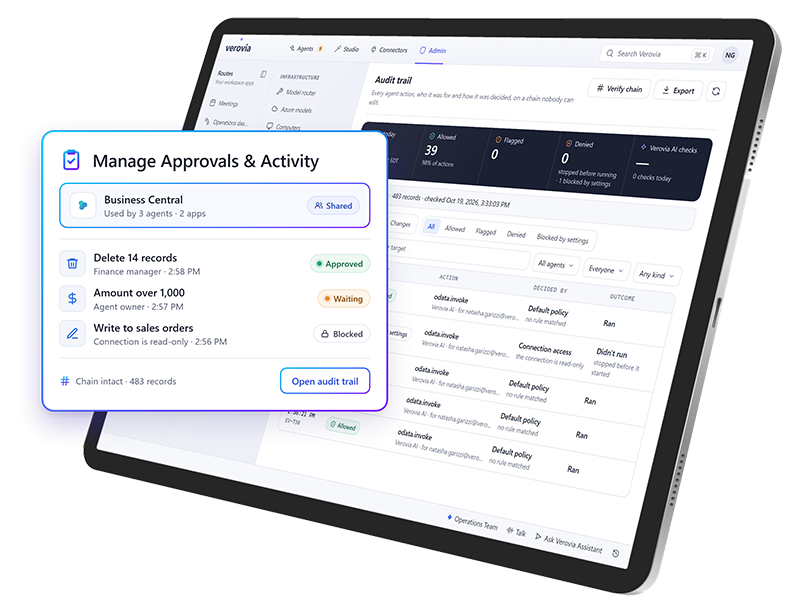
Reusable & Governed Connections
Connect once and reuse across agents, apps, and workflows
Make approved connections available across Verovia without repeating the integration process for every new use case. IT maintains control over who can access each connection and what actions are permitted.
Share connections with selected users, groups, or workspaces
Define access permissions and authorized actions
Manage approvals and review activity through audit trails
Choose the right AI model for the work
Route each task to the model that fits best, with centralized controls for usage, policies, and access.

Govern and control AI from one place
Example workspace
Who can use what
Control who can access connections, agents, apps, and shared resources.
| Resource | Admin | Planner | Technician |
|---|---|---|---|
| SCADA historianConnection | |||
| Vibration sensorsConnection | |||
| Predictive maintenance agentAgent | |||
| Business CentralApp | |||
| Asset manualsShared resource |
Select a cell to grant or remove access. Admins always keep full access.
Example workspace
Rules every agent follows
Set approvals, policies, usage rules, MCPs, and guardrails for AI activity.
- ApprovalRequire approval before an agent creates a work order
- PolicyAgents can’t change safety-critical assets
- Usage ruleLimit each agent to 200 runs per day
- MCPAllow the Business Central MCP server
- GuardrailBlock prompts that contain personal data
Switch a control to see how rules apply across all agents at once.
Example workspace
Spend where it matters
Manage model routing, credit consumption, and spending controls.
Model routing
Picks a model for each request based on how complex it is. About 2.5 credits per run
Credit consumption this month
62%
3,100 of 5,000 credits used
Example workspace
Today’s activity
Track workflows, automations, login activity, status, and audit history.
- 08:42Vibration alert on Pump P-104: the predictive maintenance agent drafted a work orderAwaiting approval
- 08:40Sensor readings synced from the SCADA historianCompleted
- 08:15Maintenance planner signed in with single sign-onSigned in
- 07:58Work order WO-1042 approved and sent to Business CentralCompleted
- 07:30Weekly preventive maintenance schedule generatedCompleted
- 06:12Sign-in attempt from an unknown deviceBlocked
Every action is kept in the audit history.
Explore Verovia demos
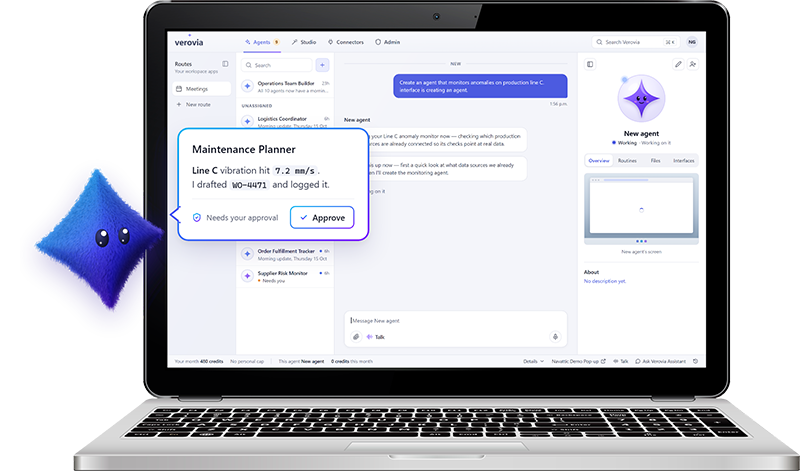
Verovia AI Agents
Experience AI agents that can take on work across your connected systems and applications.
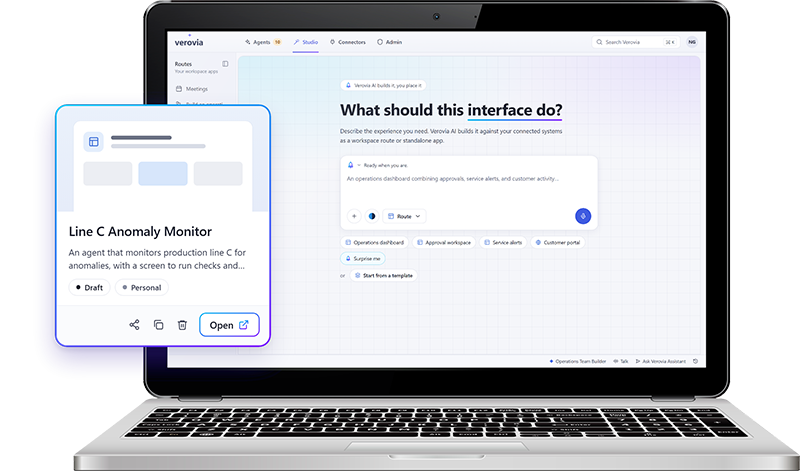
Verovia AI Studio
Try describing what you need in plain language, connect it to approved IT and OT data, refine the result, and publish a governed app.
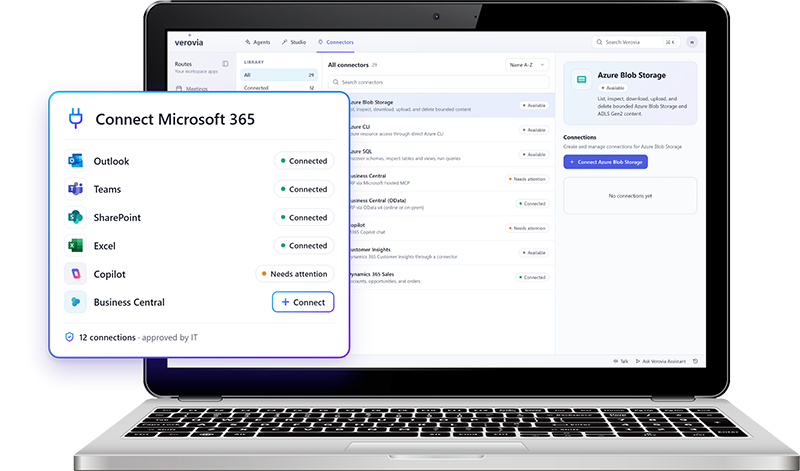
Verovia Connectors
Experience first hand how easily you can connect the IT and OT systems behind your operations.

From maintenance action to enterprise impact
Connect TAG Mobi's asset and maintenance intelligence with Verovia's AI orchestration to turn equipment signals into coordinated action across your business.


Extend your Microsoft stack with operational AI
Verovia connects with the Microsoft tools your business already relies on, including Microsoft 365, Dynamics 365, Azure, and Business Central, so you can work in the data and systems behind your operations.
Connect Microsoft 365, Dynamics 365, Office 365, Azure, and Business Central

Use approved Microsoft connections across Star Agents and AI Studio
Bring Microsoft data and workflows into operational AI use cases
Control access and permissions across connected services
Build on the Microsoft investments already in place
Bring your SCADA data into your AI workflows
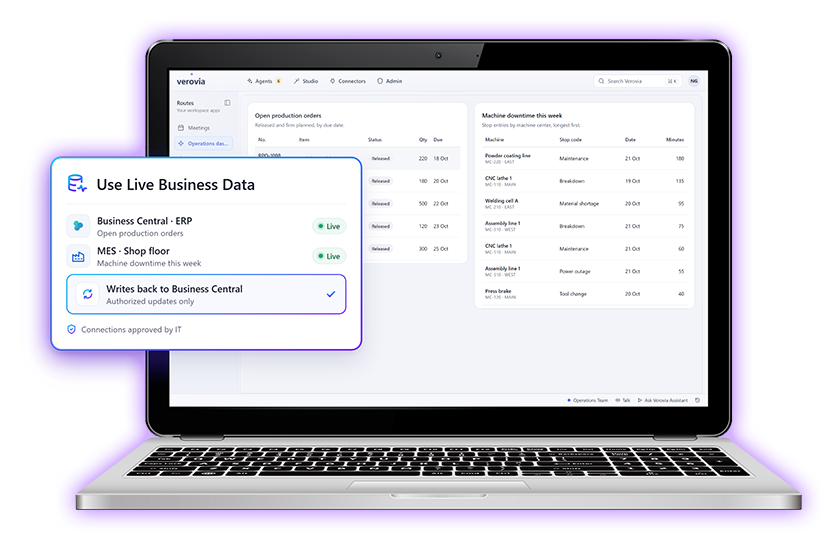
Connect your IoT and SCADA data with Verovia so agents, apps, and workflows can respond to real operational conditions, not just business-system data.
Use live operational data from connected equipment, sensors, and SCADA systems
Turn signals into action by triggering agents, workflows, alerts, or approvals
Combine operational and business data to give AI more context before it acts
Surface the right information in dashboards and purpose-built apps
Keep actions governed with the same permissions, approvals, and audit controls used across Verovia
Connect AI across your industry’s systems
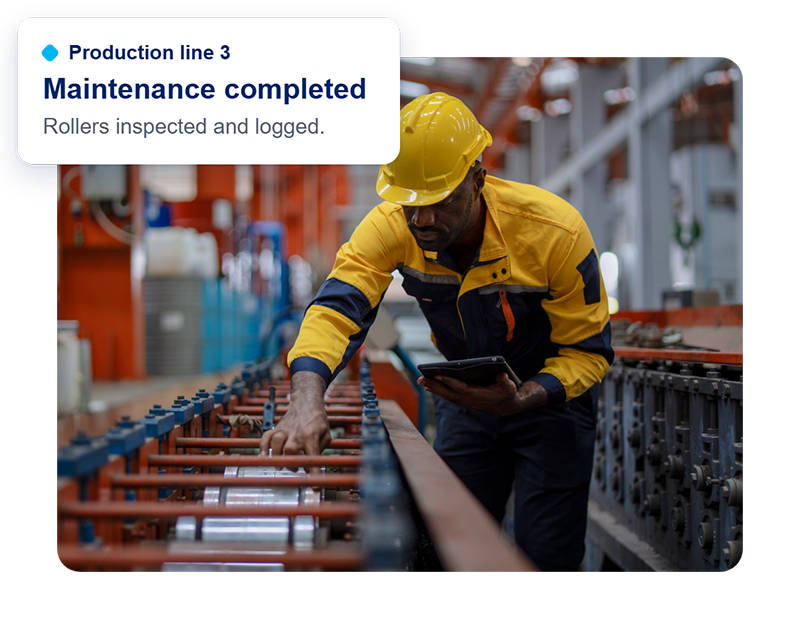
Manufacturing
Keep production moving, reduce equipment downtime and improve operational efficiency.
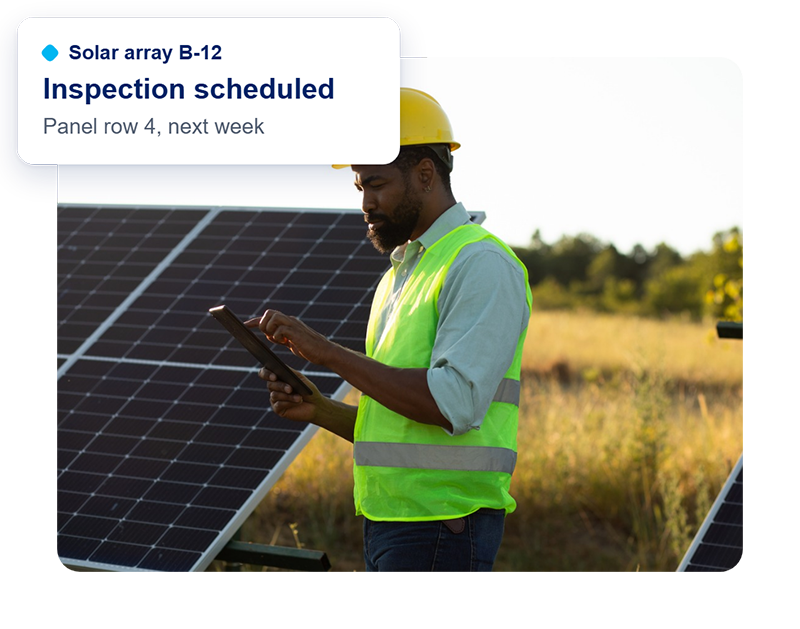
Renewable energy
Improve asset reliability and coordinate maintenance across distributed energy infrastructure.
Transportation
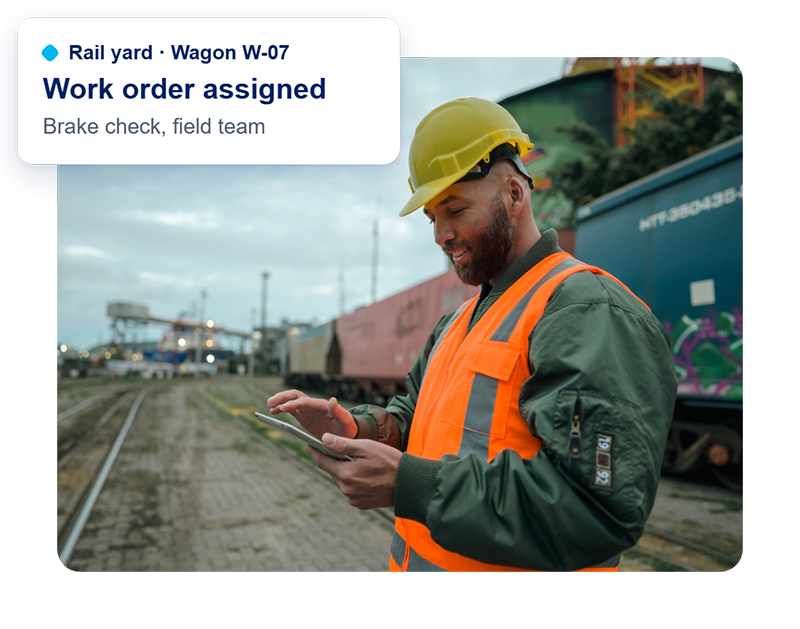
Keep critical assets and infrastructure running with connected maintenance and automated processes.
Put your existing systems to work with AI
See how Verovia connects AI agents to your business and industrial systems to automate workflows, reduce manual work, and keep IT in control.
Frequently Asked Questions
What is AI agent integration?
AI agent integration connects AI agents to business applications, databases, and operational systems so they can access information and carry out tasks. With Verovia Connectors, agents can work across Microsoft 365, Dynamics 365, industrial systems, and other connected applications to support automated workflows.
How does Verovia connect AI agents to existing business systems?
Verovia uses connectors, APIs, and integration bridges to give AI agents access to approved business systems. Once a connection is authorized, it can be reused across Star Agents, apps, and workflows without creating a separate integration for every use case. IT controls access and permissions.
Can Verovia connect to legacy systems that don't have APIs?
Yes. Verovia can extend AI workflows to legacy applications through integration bridges and computer use. When a system doesn't offer a suitable API, Star Agents can interact with its browser-based interface to retrieve information and perform authorized tasks. Compatibility depends on the application and its access requirements.
Can Verovia connect AI agents to SCADA, IoT, and industrial equipment data?
Yes. Verovia can use information from SCADA, IoT, sensors, and other operational systems to support AI-powered business workflows. For example, an equipment alert can initiate a maintenance workflow, notify the appropriate team, or update an ERP system. Verovia supports governed business actions rather than direct autonomous control of industrial equipment.
Can Verovia AI agents update data in connected systems, or only read it?
Verovia supports both read and write operations where the connected system and approved permissions allow them. Star Agents can retrieve information, create records, update existing data, and perform other authorized actions. Organizations can configure access restrictions and require human approval for sensitive operations.
How does Verovia secure AI agent access to enterprise systems?
Verovia uses permission-based connections to control which systems AI agents can access and what actions they can perform. Administrators can define access scopes, share connections with authorized users or groups, require human approval for designated actions, and review activity through audit trails.