

Enterprise AI Agents for Industrial Operations
Chatbots Answer. Star Agents Execute.
Meet Star Agents, persistent AI agents that monitor your systems, coordinate workflows, and execute operational work around the clock, with human oversight built in.
Connect the systems behind your operations
Save 25% to 40% of time spent on repetitive, low-value tasks with AI agents
Source: Boston Consulting Group (BCG), 2025

Less busywork, faster action, more control
Give your team time back

Free employees from repetitive tasks so they can focus on decisions and higher-value work.
Act before issues escalate

Keep operations moving with AI agents that monitor systems and respond to changing conditions.
Stay in control of AI actions

Maintain oversight with defined permissions, approval requirements, and audit trails.
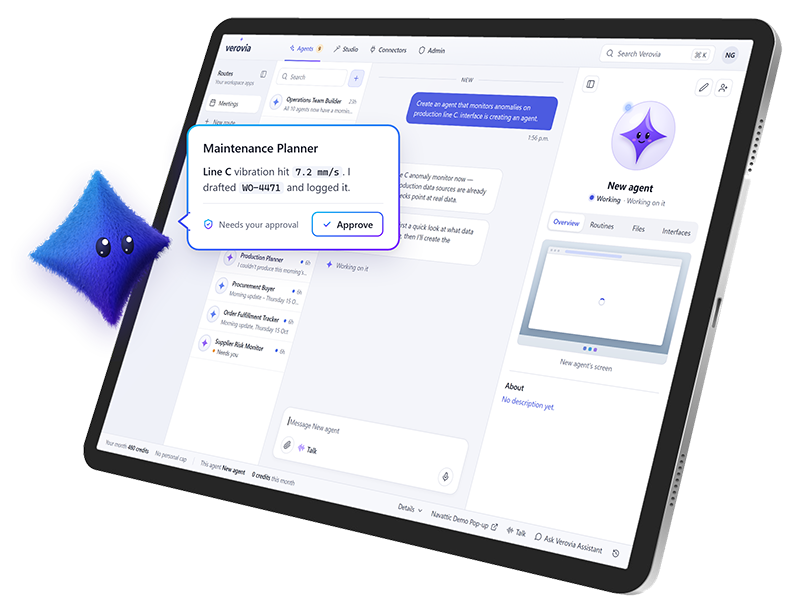
Persisent AI Agents
Give AI a role and let it keep working
Assign Star Agents defined roles, routines, and responsibilities. They monitor systems, respond to triggers, and carry out work around the clock, even after you log off.
Run scheduled routines without constant prompting
Respond to changing conditions and operational alerts
Use memory and skills to maintain context across tasks
Keep work moving with approvals when required
Coordinate with other agents to complete tasks
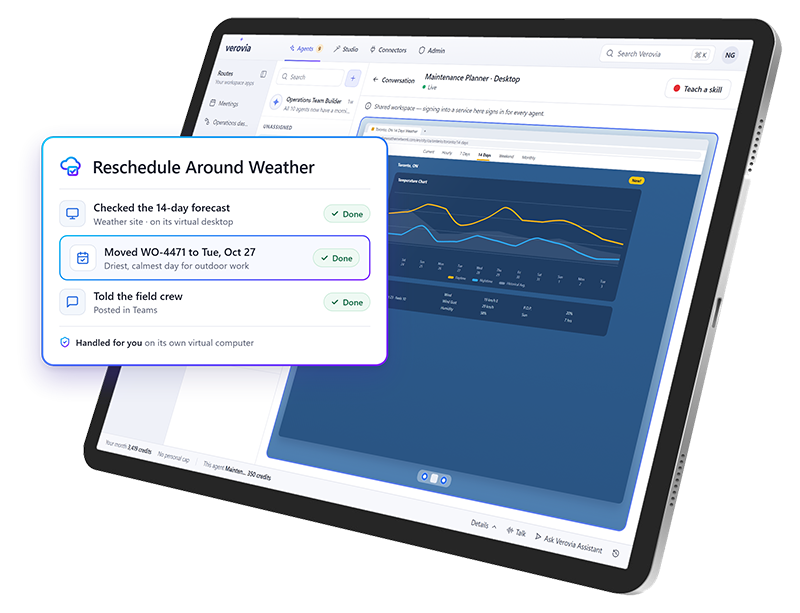
Computer Use
Let AI work directly in your applications
Give Star Agents access to a virtual computer where they can navigate browser-based applications, interact with interfaces, and carry out tasks that would otherwise require manual clicks.
Work within browser-based applications
Access legacy systems without traditional APIs
Watch agents work and take control when needed
Teach agents tasks through guided browser actions
Continue work across approved applications
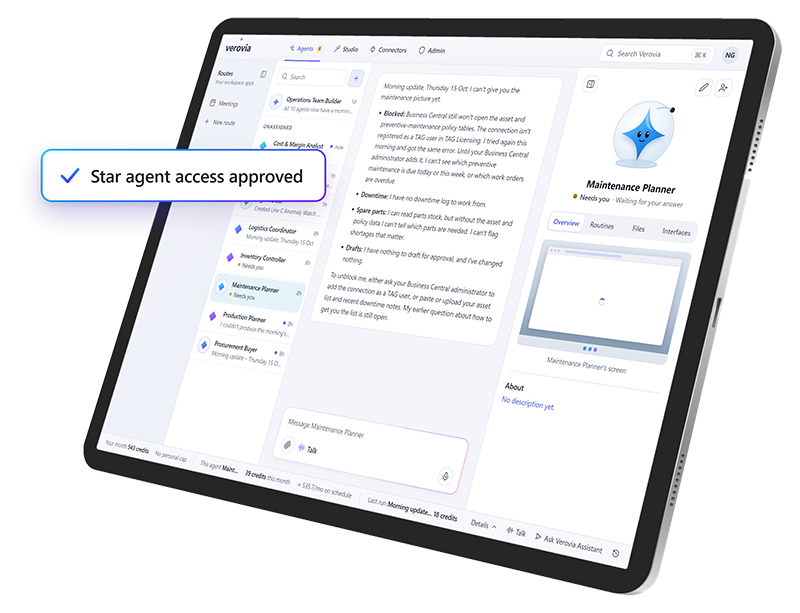
Connected Systems
Put your existing systems to work together
Star Agents use approved connections to access information and take action across modern and legacy business applications, helping work move forward without manual handoffs.
Access approved systems through connectors and APIs
Retrieve information and write back to connected systems
Work across Microsoft and other business applications
Use existing connections without rebuilding integrations
Respect permissions assigned to each connection
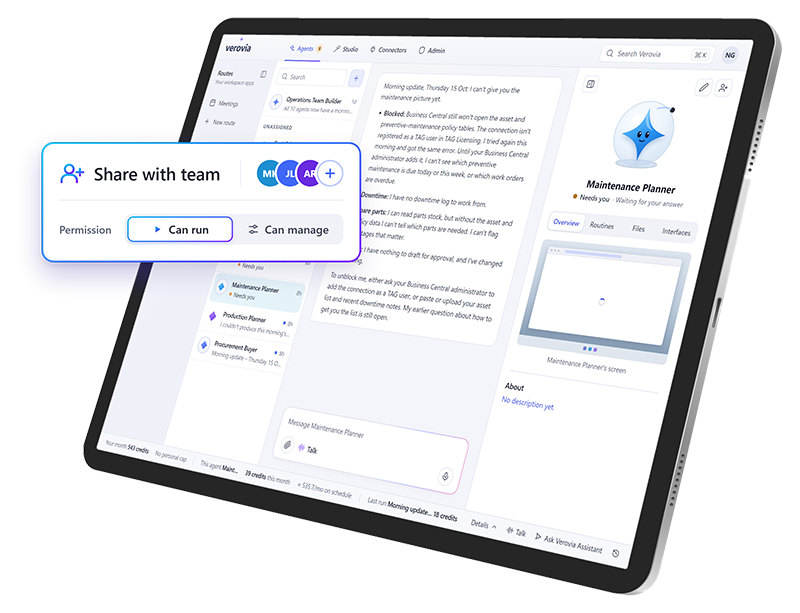
Agent Sharing & Collaboration
Build once and put your whole team to work
Share Star Agents with colleagues to avoid duplicating setup and keep processes consistent. Multiple team members can also collaborate with the same agent through a shared conversation.
Share agents across teams
Reuse existing agents instead of starting from scratch
Collaborate with colleagues in a shared agent conversation
Keep everyone working with the same context
Reduce duplicated work and setup time
Governance & Control
Give AI autonomy without giving up control
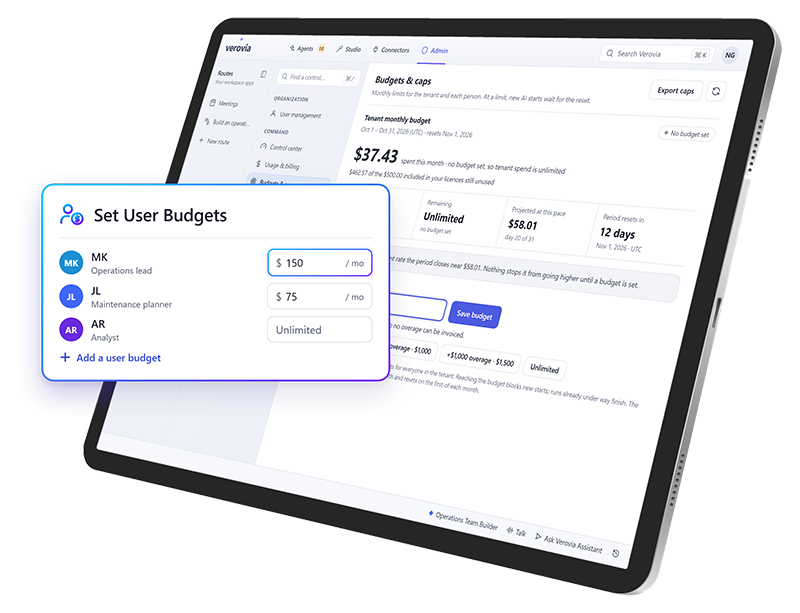
Define what Star Agents can access, what actions they can take, and when human approval is required. Built-in controls help IT maintain visibility as AI becomes part of everyday operations.
Set permissions and access boundaries
Require approval for sensitive actions
Manage AI usage and budgets
Monitor agent activity
Maintain audit trails of agent actions
Choose the right AI model for the work
Route each task to the model that fits best, with centralized controls for usage, policies, and access.

Govern and control AI from one place
Example workspace
Who can use what
Control who can access connections, agents, apps, and shared resources.
| Resource | Admin | Planner | Technician |
|---|---|---|---|
| SCADA historianConnection | |||
| Vibration sensorsConnection | |||
| Predictive maintenance agentAgent | |||
| Business CentralApp | |||
| Asset manualsShared resource |
Select a cell to grant or remove access. Admins always keep full access.
Example workspace
Rules every agent follows
Set approvals, policies, usage rules, MCPs, and guardrails for AI activity.
- ApprovalRequire approval before an agent creates a work order
- PolicyAgents can’t change safety-critical assets
- Usage ruleLimit each agent to 200 runs per day
- MCPAllow the Business Central MCP server
- GuardrailBlock prompts that contain personal data
Switch a control to see how rules apply across all agents at once.
Example workspace
Spend where it matters
Manage model routing, credit consumption, and spending controls.
Model routing
Picks a model for each request based on how complex it is. About 2.5 credits per run
Credit consumption this month
62%
3,100 of 5,000 credits used
Example workspace
Today’s activity
Track workflows, automations, login activity, status, and audit history.
- 08:42Vibration alert on Pump P-104: the predictive maintenance agent drafted a work orderAwaiting approval
- 08:40Sensor readings synced from the SCADA historianCompleted
- 08:15Maintenance planner signed in with single sign-onSigned in
- 07:58Work order WO-1042 approved and sent to Business CentralCompleted
- 07:30Weekly preventive maintenance schedule generatedCompleted
- 06:12Sign-in attempt from an unknown deviceBlocked
Every action is kept in the audit history.
Explore Verovia demos
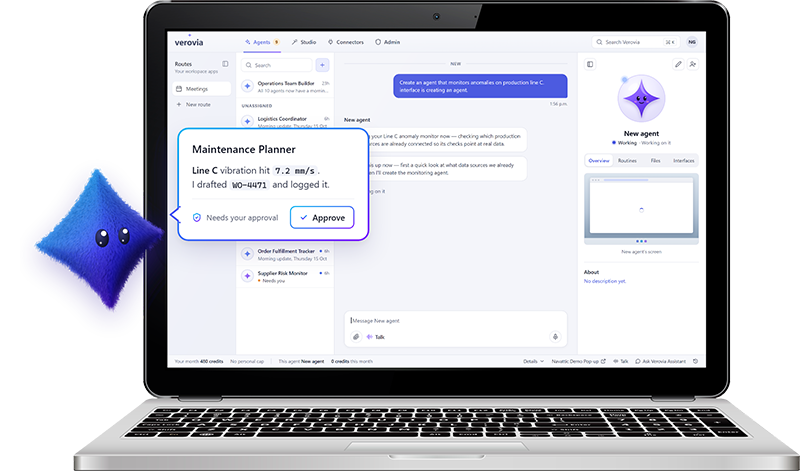
Verovia AI Agents
Experience AI agents that can take on work across your connected systems and applications.
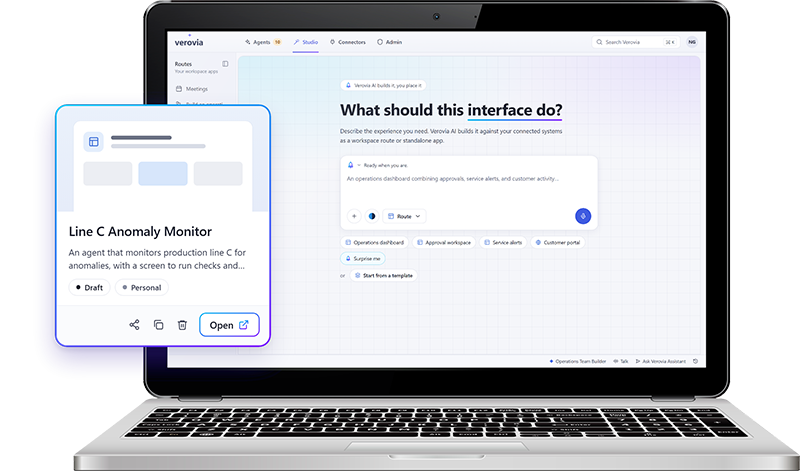
Verovia AI Studio
Try describing what you need in plain language, connect it to approved IT and OT data, refine the result, and publish a governed app.
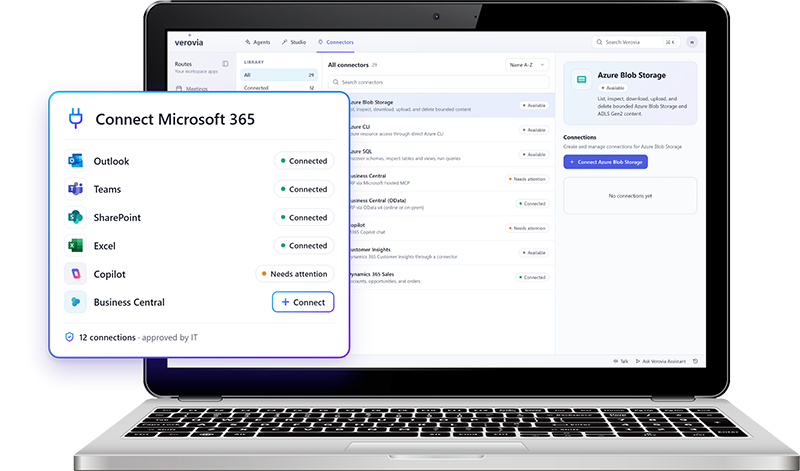
Verovia Connectors
Experience first hand how easily you can connect the IT and OT systems behind your operations.

From maintenance action to enterprise impact
Connect TAG Mobi's asset and maintenance intelligence with Verovia's AI orchestration to turn equipment signals into coordinated action across your business.


Extend your Microsoft stack with operational AI
Verovia connects with the Microsoft tools your business already relies on, including Microsoft 365, Dynamics 365, Azure, and Business Central, so you can work in the data and systems behind your operations.
Connect Microsoft 365, Dynamics 365, Office 365, Azure, and Business Central

Use approved Microsoft connections across Star Agents and AI Studio
Bring Microsoft data and workflows into operational AI use cases
Control access and permissions across connected services
Build on the Microsoft investments already in place
Bring your SCADA data into your AI workflows
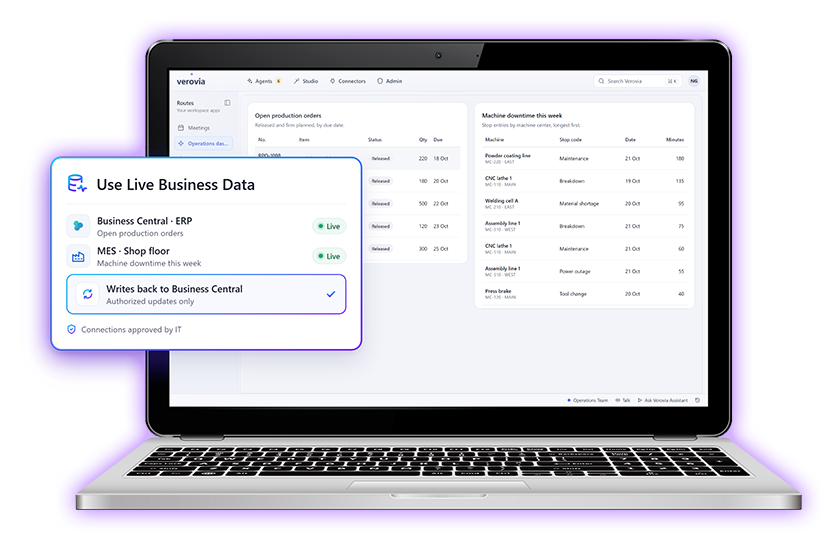
Connect your IoT and SCADA data with Verovia so agents, apps, and workflows can respond to real operational conditions, not just business-system data.
Use live operational data from connected equipment, sensors, and SCADA systems
Turn signals into action by triggering agents, workflows, alerts, or approvals
Combine operational and business data to give AI more context before it acts
Surface the right information in dashboards and purpose-built apps
Keep actions governed with the same permissions, approvals, and audit controls used across Verovia
Put AI agents to work across your industry
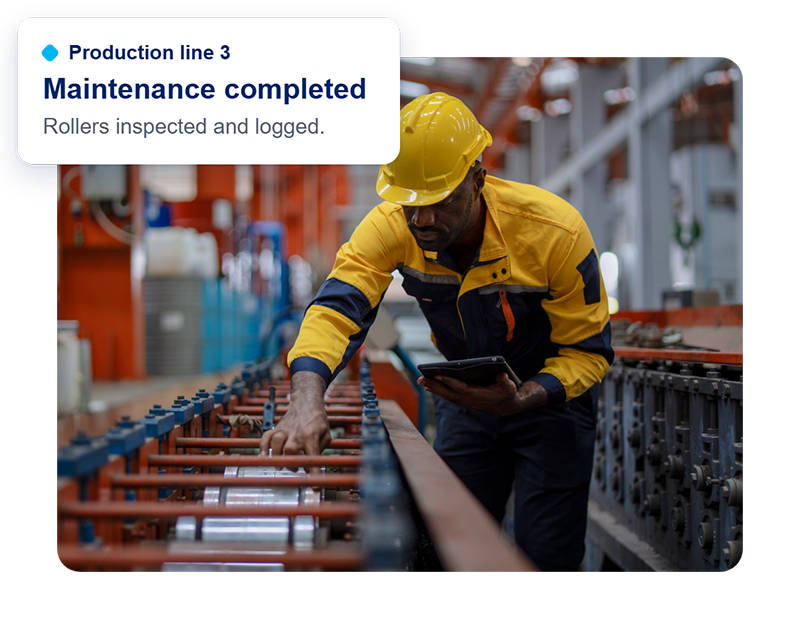
Manufacturing
Keep production moving, reduce equipment downtime and improve operational efficiency.
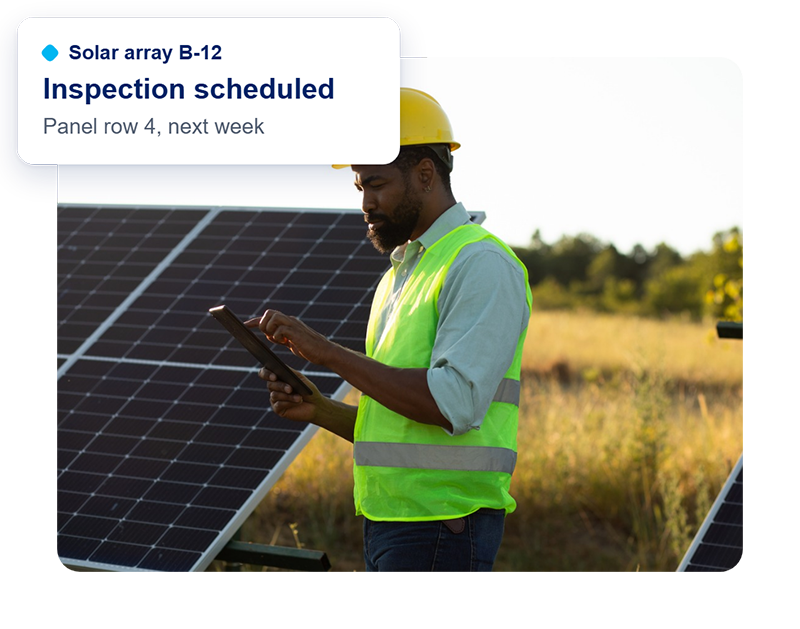
Renewable energy
Improve asset reliability and coordinate maintenance across distributed energy infrastructure.
Transportation
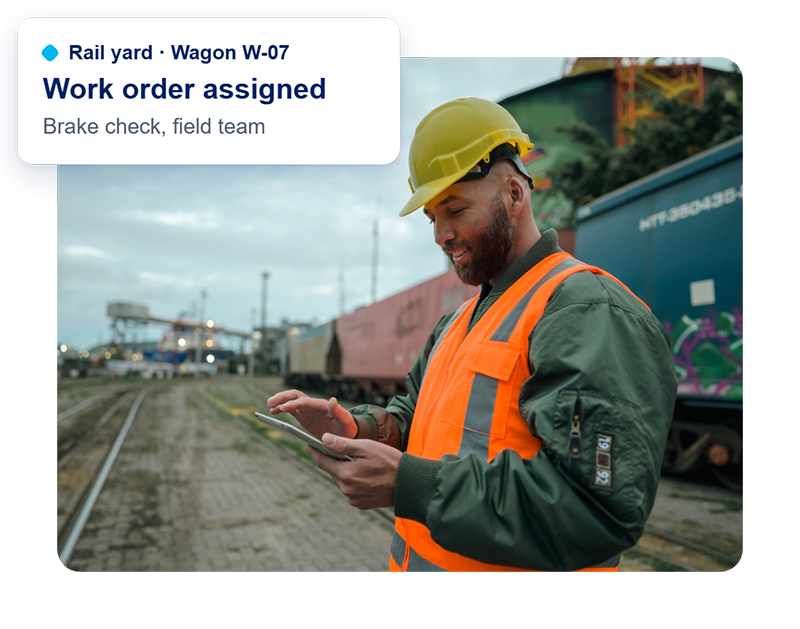
Keep critical assets and infrastructure running with connected maintenance and automated processes.
Ready to put AI Agents to work?
Discover how persistent AI agents can take on operational work across your business while keeping your team in control.
Frequently Asked Questions
What are enterprise AI agents, and how do they work?
Enterprise AI agents are software systems that use artificial intelligence to understand information, make decisions, and carry out tasks across business applications. They can monitor systems, respond to events, and execute workflows using connected data and tools. Unlike traditional automation, AI agents can adapt to changing conditions and handle more complex tasks while operating within defined permissions and approval requirements.
What is the difference between AI agents and AI chatbots?
AI chatbots primarily respond to questions, generate content, and provide recommendations. AI agents can go further by taking action, interacting with business applications, and completing tasks. For example, an AI agent can monitor a system, identify an issue, initiate the appropriate workflow, and request human approval when necessary. Some advanced chatbots also support actions, so the distinction depends on their capabilities.
Can autonomous AI agents work without human supervision?
Autonomous AI agents can perform assigned tasks without constant human input. They may run on schedules, respond to system triggers, and continue working in the background. However, enterprise AI agents should operate within clearly defined boundaries. Permissions, approval requirements, and audit trails help organizations maintain oversight, particularly when agents access sensitive information or make changes to business systems.
How do businesses secure and govern AI agents?
AI agent governance involves controlling what information agents can access, which systems they can use, and what actions they are authorized to perform. Common security measures include role-based permissions, human approval requirements, usage limits, activity monitoring, and audit trails. These controls help IT teams manage risks while allowing AI agents to execute operational work across the organization.
How can AI agents improve business productivity and reduce costs?
AI agents can improve productivity by automating repetitive work, reducing manual coordination, and responding to operational issues more quickly. They can monitor business systems, collect information, execute recurring tasks, and coordinate activities across applications. This gives employees more time for complex decisions and higher-value responsibilities. Organizations can evaluate the return on investment by measuring time saved, process completion times, error rates, and operational costs.
Can AI agents work with existing business software and legacy systems?
Yes. Enterprise AI agents can connect to supported business software through APIs and integrations, allowing them to retrieve information and perform authorized actions. Some AI agents also use Computer Use technology to interact directly with browser-based applications, including legacy software without suitable APIs. This allows businesses to automate work across existing systems without requiring a complete technology replacement.