

AI App Builder and Workflow Automation Studio
Turn a Sentence into a Working App in Five Minutes.
Turn your ideas into working business applications and automated workflows using natural language. Build with your existing data, refine as you go, and deploy faster without starting from scratch.
Connect the systems behind your operations
Save $60k to $235k per year by replacing traditional custom app development with Verovia
*Based on the average cost of a custom app in the industry

Build faster, spend less, and put your apps to work
Clear your development backlog

Turn requests into working apps and workflows in minutes instead of waiting weeks for development.
Cut custom development costs

Build applications with AI and reduce the time, resources, and expense of traditional development.
Get apps into operations faster

Connect to existing business systems, publish across devices, and put new solutions in your team's hands.
AI App Builder
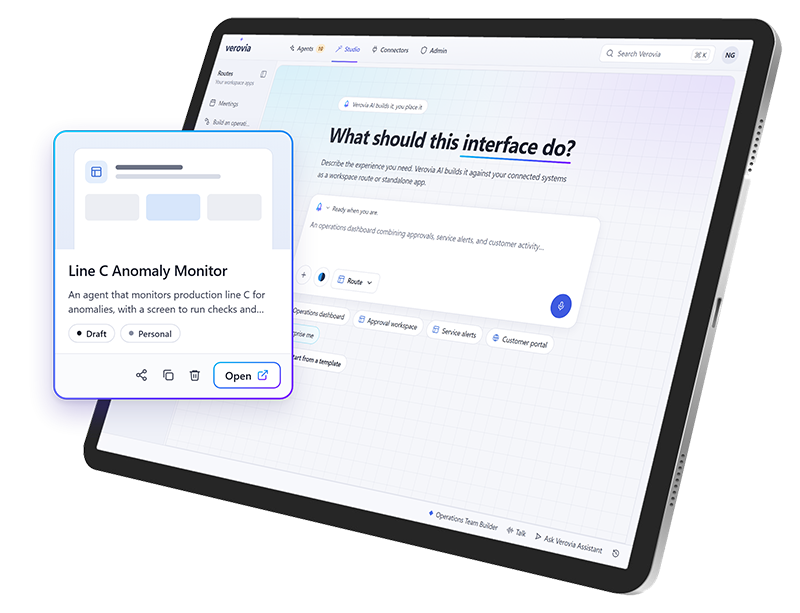
Turn a simple prompt into a working application
Describe what you need in plain language and let AI Studio build it using your business data. Create custom interfaces without starting a traditional development project.
Build dashboards, forms, tables, and operational workspaces
Refine your application through natural-language instructions
Create interfaces for desktop, tablet, and mobile use
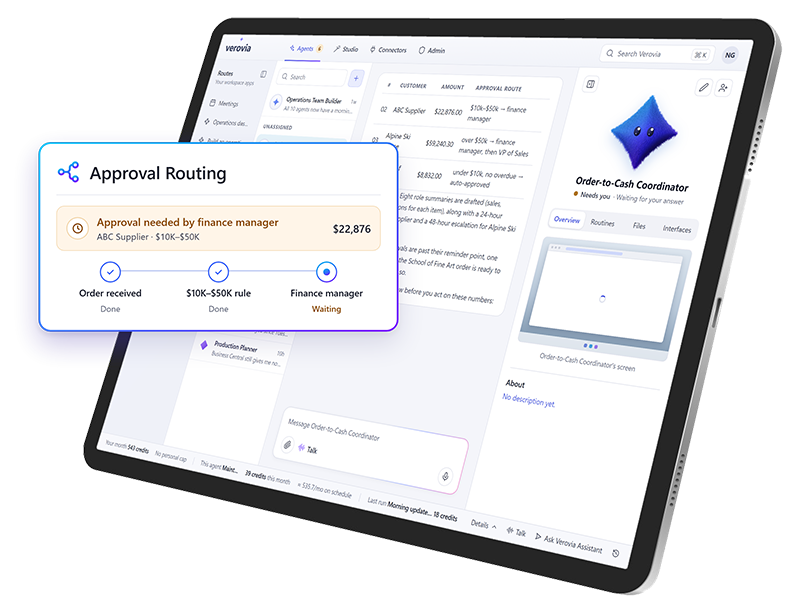
AI Workflow Builder
Automate the work behind your operations
Build workflows that connect information, employees, and business systems. Set up actions, approvals, and routing so work keeps moving without constant manual follow-up
Create automated workflows across connected systems
Route tasks and decisions for approval
Trigger actions and update business records
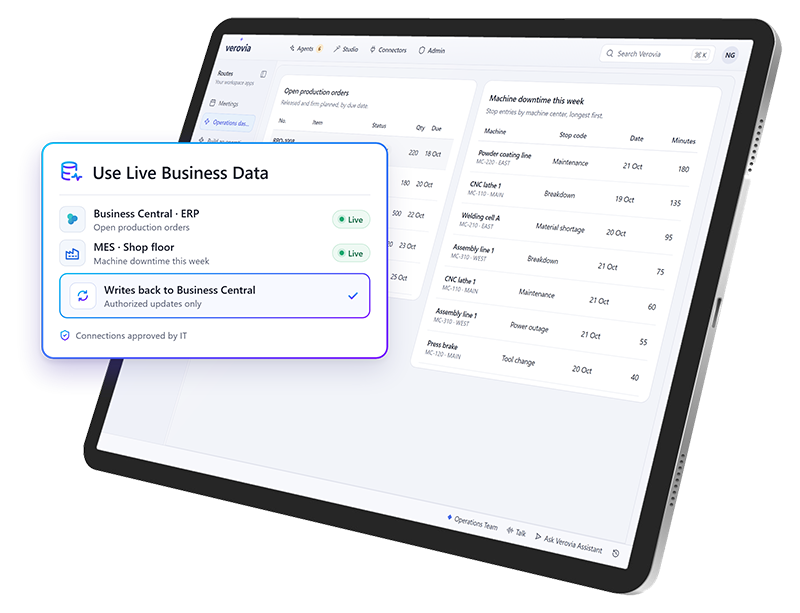
Connected Business Data
Build applications around your existing systems
Create apps and workflows that use information from your existing Microsoft and operational environments, including ERP, CRM, EAM, MES, and SCADA systems.
Build with live business and operational data
Reuse connections already approved by IT
Write authorized updates back to connected systems
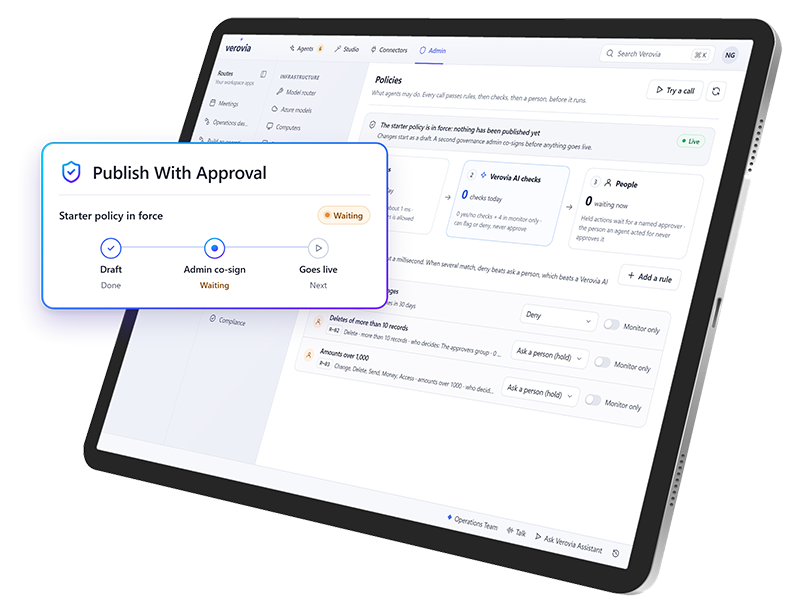
Application Publishing & Governance
Deploy your apps while keeping IT in control
Preview, refine, approve, and publish applications for the teams that need them. Manage access and permissions while keeping visibility into application usage and AI activity.
Control who can access and use applications
Apply approval and publishing controls
Monitor activity and AI usage
Choose the right AI model for the work
Route each task to the model that fits best, with centralized controls for usage, policies, and access.

Govern and control AI from one place
Example workspace
Who can use what
Control who can access connections, agents, apps, and shared resources.
| Resource | Admin | Planner | Technician |
|---|---|---|---|
| SCADA historianConnection | |||
| Vibration sensorsConnection | |||
| Predictive maintenance agentAgent | |||
| Business CentralApp | |||
| Asset manualsShared resource |
Select a cell to grant or remove access. Admins always keep full access.
Example workspace
Rules every agent follows
Set approvals, policies, usage rules, MCPs, and guardrails for AI activity.
- ApprovalRequire approval before an agent creates a work order
- PolicyAgents can’t change safety-critical assets
- Usage ruleLimit each agent to 200 runs per day
- MCPAllow the Business Central MCP server
- GuardrailBlock prompts that contain personal data
Switch a control to see how rules apply across all agents at once.
Example workspace
Spend where it matters
Manage model routing, credit consumption, and spending controls.
Model routing
Picks a model for each request based on how complex it is. About 2.5 credits per run
Credit consumption this month
62%
3,100 of 5,000 credits used
Example workspace
Today’s activity
Track workflows, automations, login activity, status, and audit history.
- 08:42Vibration alert on Pump P-104: the predictive maintenance agent drafted a work orderAwaiting approval
- 08:40Sensor readings synced from the SCADA historianCompleted
- 08:15Maintenance planner signed in with single sign-onSigned in
- 07:58Work order WO-1042 approved and sent to Business CentralCompleted
- 07:30Weekly preventive maintenance schedule generatedCompleted
- 06:12Sign-in attempt from an unknown deviceBlocked
Every action is kept in the audit history.
Explore Verovia demos
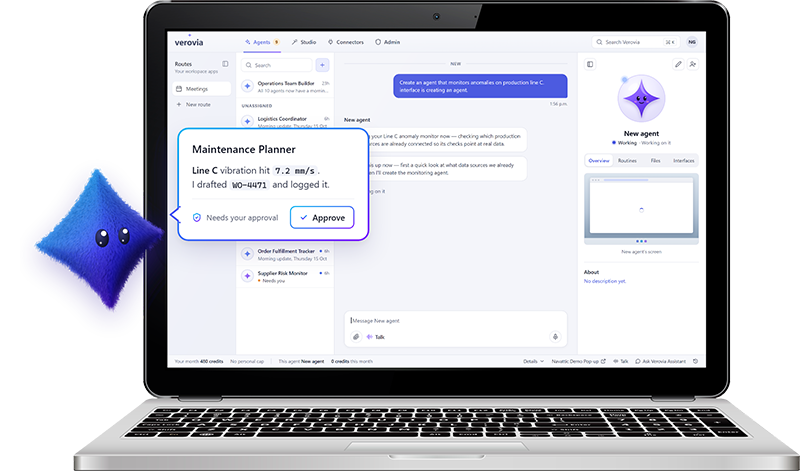
Verovia AI Agents
Experience AI agents that can take on work across your connected systems and applications.
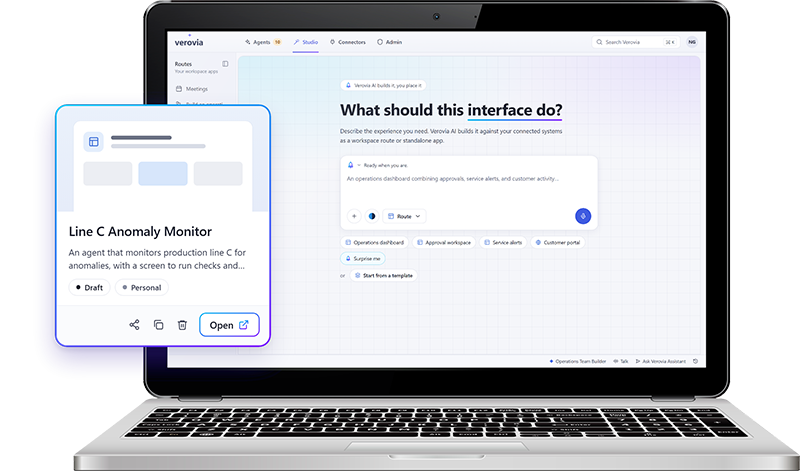
Verovia AI Studio
Try describing what you need in plain language, connect it to approved IT and OT data, refine the result, and publish a governed app.
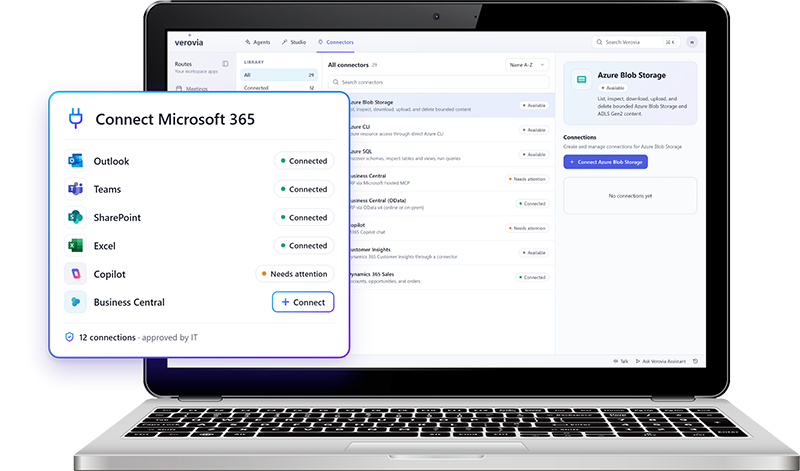
Verovia Connectors
Experience first hand how easily you can connect the IT and OT systems behind your operations.

From maintenance action to enterprise impact
Connect TAG Mobi's asset and maintenance intelligence with Verovia's AI orchestration to turn equipment signals into coordinated action across your business.


Extend your Microsoft stack with operational AI
Verovia connects with the Microsoft tools your business already relies on, including Microsoft 365, Dynamics 365, Azure, and Business Central, so you can work in the data and systems behind your operations.
Connect Microsoft 365, Dynamics 365, Office 365, Azure, and Business Central

Use approved Microsoft connections across Star Agents and AI Studio
Bring Microsoft data and workflows into operational AI use cases
Control access and permissions across connected services
Build on the Microsoft investments already in place
Bring your SCADA data into your AI workflows
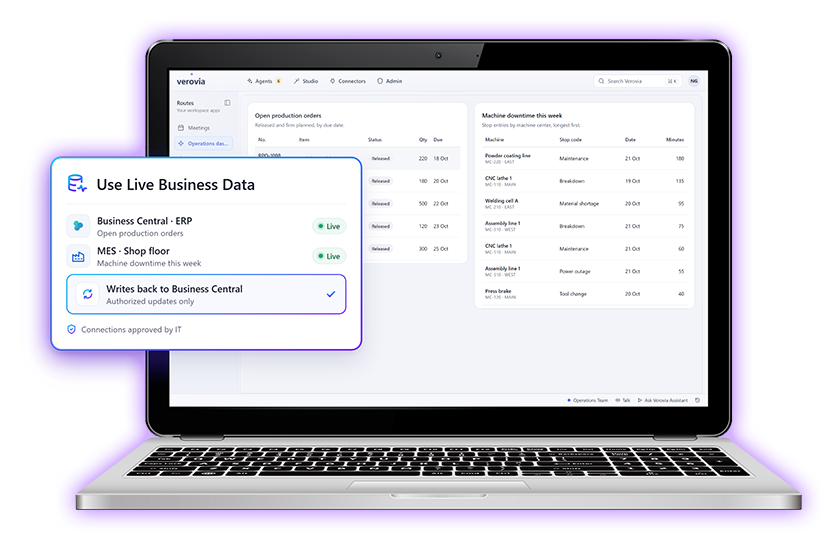
Connect your IoT and SCADA data with Verovia so agents, apps, and workflows can respond to real operational conditions, not just business-system data.
Use live operational data from connected equipment, sensors, and SCADA systems
Turn signals into action by triggering agents, workflows, alerts, or approvals
Combine operational and business data to give AI more context before it acts
Surface the right information in dashboards and purpose-built apps
Keep actions governed with the same permissions, approvals, and audit controls used across Verovia
Build AI apps for your industry
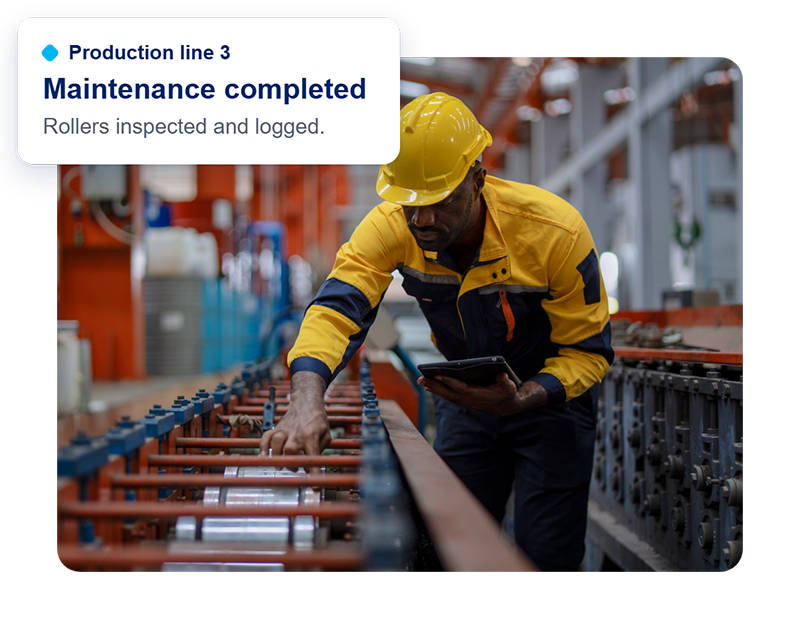
Manufacturing
Keep production moving, reduce equipment downtime and improve operational efficiency.
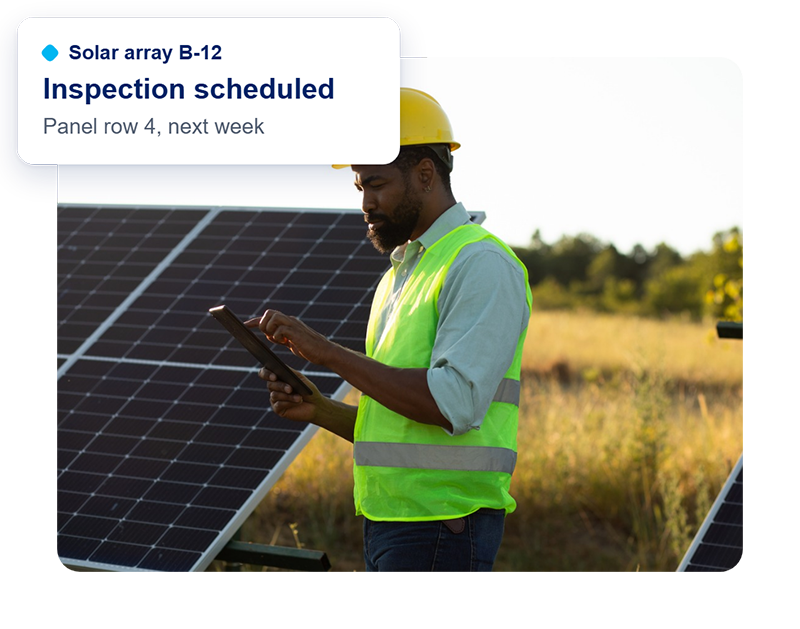
Renewable energy
Improve asset reliability and coordinate maintenance across distributed energy infrastructure.
Transportation
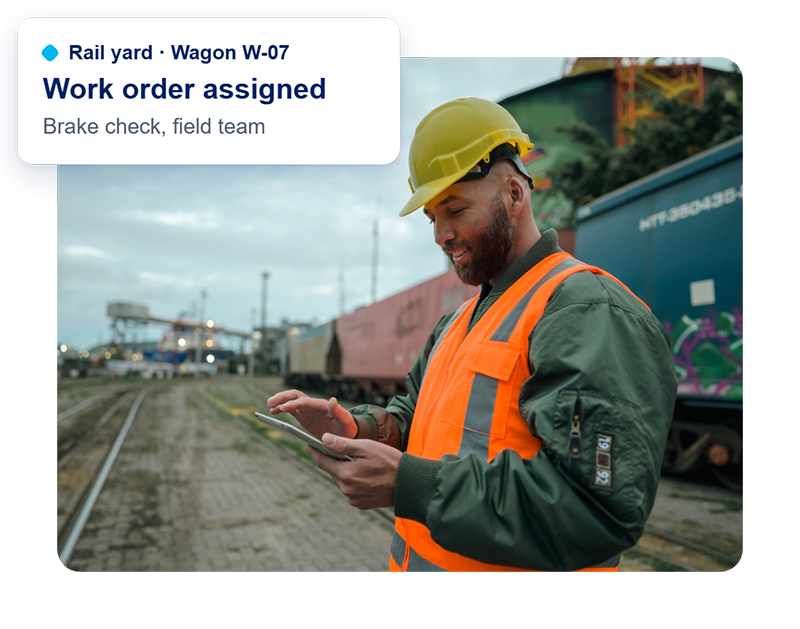
Keep critical assets and infrastructure running with connected maintenance and automated processes.
Let's turn your next idea into a working app
Tell us what you're looking to build, or where your current processes need improvement. We'll help you explore what's possible with Verovia’s AI Studio.
Frequently Asked Questions
What is an AI app builder?
An AI app builder is software that uses artificial intelligence to create applications from natural-language instructions. Verovia AI Studio lets users describe the business app they need, generate custom interfaces, refine them, and publish them for their teams. Applications can use connected business data and support operational workflows.
Can I build business applications without coding?
Yes. Verovia AI Studio lets users create dashboards, forms, tables, and custom business applications by describing what they need in plain language. Users can refine the results through additional instructions without starting a traditional software development project. IT can still manage permissions and application publishing.
Can Verovia AI Studio create and automate workflows?
Yes. AI Studio supports the creation of AI-powered workflows that connect tasks, approvals, and actions across business systems. Organizations can automate repetitive processes, route work to the appropriate employees, and update connected systems when authorized.
How is an AI app builder different from traditional application development?
Traditional application development generally requires developers to design, code, test, and deploy software. An AI app builder accelerates the creation process by generating applications from natural-language instructions. Verovia AI Studio also supports connected business data, workflow automation, and controlled publishing, reducing the need to build every internal application from scratch.
Can IT control who creates, accesses, and publishes AI-powered applications?
Yes. Verovia includes governance capabilities for managing user access, permissions, approvals, and publishing. IT administrators can control access to connected systems and oversee how AI-powered applications and workflows are used within the organization.
Can AI Studio connect applications to Microsoft Dynamics 365 and other business systems?
Yes. Through Verovia Connectors, applications and workflows can use information from Microsoft Dynamics 365, Business Central, and other supported systems, including ERP, CRM, EAM, MES, and operational data sources. Access is controlled through configured connections and permissions, and available actions depend on the connected system.