

AI Governance & Security
Give AI the Ability to Act and Keep Control of Every Action
Verovia brings permissions, policies, human oversight and administration into your AI workflows, so your organization can put AI agents to work across business systems while IT remains in control.
Connect the systems behind your operations
Govern every AI action from request to execution
Give your AI agents clear operating boundaries with centralized policies, approval controls, and verifiable records. Verovia evaluates actions against your rules before allowing changes in connected business systems.
Verovia · AI agent request
Update supplier payment details-
Agent request
Received
-
Allowed: ERP access
Set AI Permissions
Define which systems and actions your agents can access, with rules for sensitive operations.
-
Flagged: payment change
Detect Risky Actions
Screen agent requests for unauthorized activity, unexpected behavior, and potential data exposure.
-
Sent to approver in Teams
Require Human Approval
Route high-risk actions to named approvers in Microsoft Teams before execution.
-
Logged
Track Every Action
Maintain tamper-evident records of agent activity, decisions, approvals, and outcomes.
-
Change made
Applied in ERP
Every action passes through your governance rules
Before an agent changes a record, accesses a connected service, or sends a message, Verovia records the request and evaluates it against your organization's policies. Authorized actions proceed, sensitive requests can be held for approval, and denied actions are blocked.
-
Agent requests an action
From chat, Microsoft Teams, or an MCP client
-
Request is recorded
Agent, user, tool and requested action
-
Policies and risk checks evaluate the request
Rules determine whether to allow, flag, hold, or deny
-
Allowed
Action proceeds
-
Flagged
Reviewed or held
-
Denied
Action blocked
-
-
Tamper-evident audit trail
Actions and decisions retained for verification
Set the rules and keep AI within your boundaries
Control how AI agents operate with policies written in plain language. Define limits for sensitive actions, test how rules would affect existing workflows, and enforce them when you're ready.
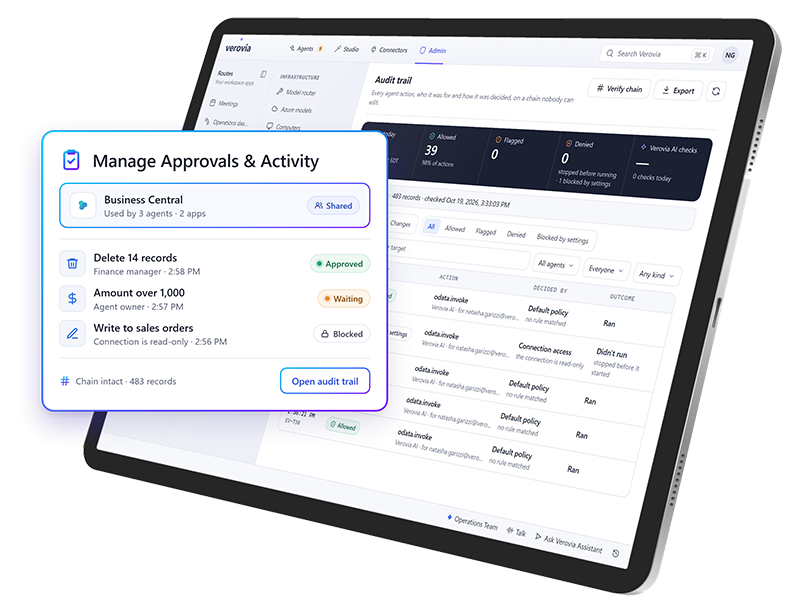
Write policies in plain language. Set conditions such as holding deletions affecting more than 10 records.
Test before enforcing. Use monitor-only mode to see which actions a policy would catch without interrupting work.
Track policy changes. Retain each policy version with its author and reason for the change.
Keep approvals separate. When an action is assigned to another approver, the original requester cannot approve it.
Built to support your compliance requirements
Verovia maps its governance controls to recognized industrial safety, AI governance, and security frameworks, helping organizations assess their controls and gather supporting evidence.
-
Detailed Action Logging
Records identify the agent, the user it acted for, the tool, relevant data and the result. Audit records remain available even when conversations or users are deleted.
-
Tamper-Evident Records
Audit entries are connected using SHA-256 hashes. Chain verification can detect changed or missing records, and the database prevents edits or deletions of audit records.
-
Flexible Retention and Export
Audit records are retained for two years by default, configurable from one to ten years. Export records in CSV or JSON with personal details removed.
-
Compliance Evidence
Map platform controls to requirements across 19 frameworks. Review control status based on actual platform settings and provide auditors with read-only access.
Verovia · Audit record
Update supplier payment details
- Agent
- Procurement agent
- Acting for
- Plant manager
- Tool
- ERP · Supplier record
- Result
- Held for approval
- Record hash
- SHA-256 · 9c4e…7a1f
Sample record for illustration
Industrial Safety
- OSHA PSM
- OSHA LOTO
- ISO 45001
- ISO 55001
AI Governance
- ISO/IEC 42001
- NIST AI RMF
- OWASP Agentic AI
Security
- ISO/IEC 27001
- SOC 2
- IEC 62443
Framework mapping supports compliance assessment and evidence gathering. It does not mean Verovia or its customers automatically hold certifications against these frameworks.

Connect your systems and put AI to work
Break down system silos

Connect business applications, industrial equipment, and data sources so work moves across systems without manual handoffs.
Build once, use everywhere

Reuse approved connections across AI agents, apps, and workflows without starting a new integration project each time.
Keep IT in control

Manage access, permissions, and approvals so AI can read information and take authorized actions securely.
Extend your Microsoft stack with operational AI
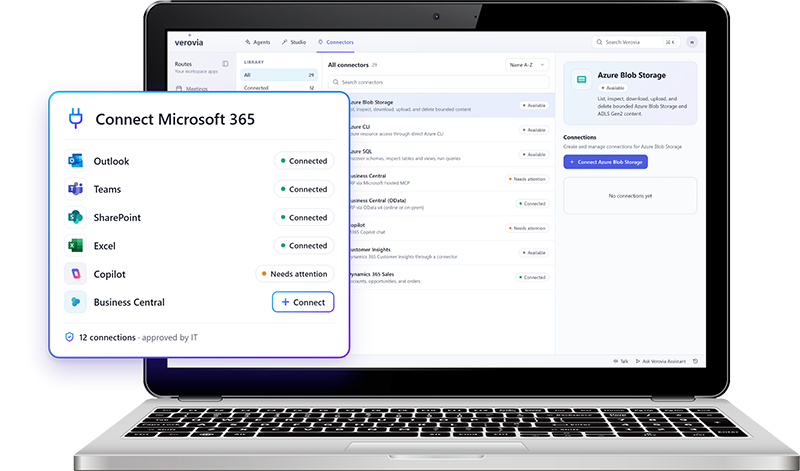
Verovia connects with the Microsoft tools your business already relies on, including Microsoft 365, Dynamics 365, Azure, and Business Central, so you can work in the data and systems behind your operations.
Connect Microsoft 365, Dynamics 365, Office 365, Azure, and Business Central

Use approved Microsoft connections across Star Agents and AI Studio
Bring Microsoft data and workflows into operational AI use cases
Control access and permissions across connected services
Build on the Microsoft investments already in place
Choose the right AI model for the work
Route each task to the model that fits best, with centralized controls for usage, policies, and access.

Explore Verovia demos
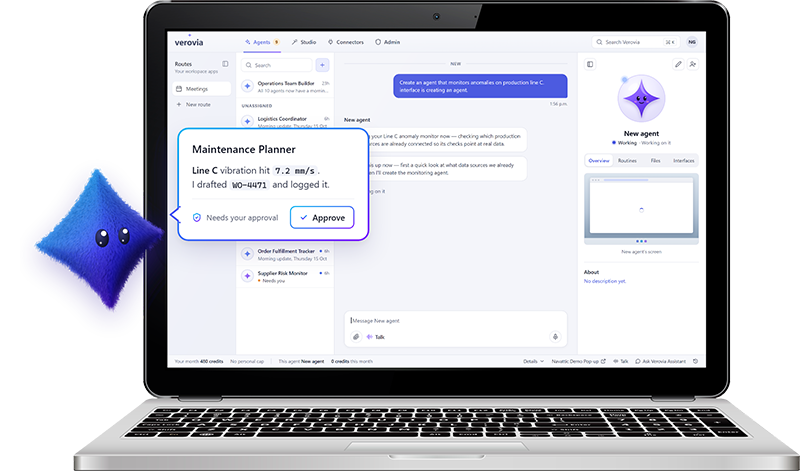
Verovia AI Agents
Experience AI agents that can take on work across your connected systems and applications.
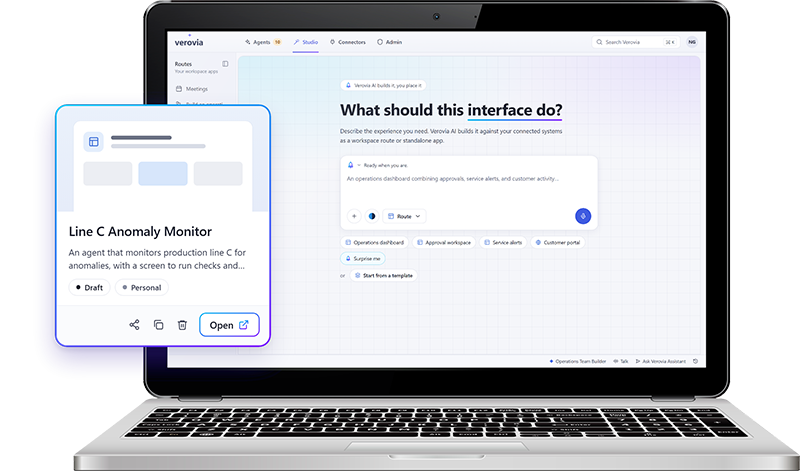
Verovia AI Studio
Try describing what you need in plain language, connect it to approved IT and OT data, refine the result, and publish a governed app.
Verovia Connectors
Experience first hand how easily you can connect the IT and OT systems behind your operations.

From maintenance action to enterprise impact
Connect TAG Mobi's asset and maintenance intelligence with Verovia's AI orchestration to turn equipment signals into coordinated action across your business.


Built for the demands of your industry
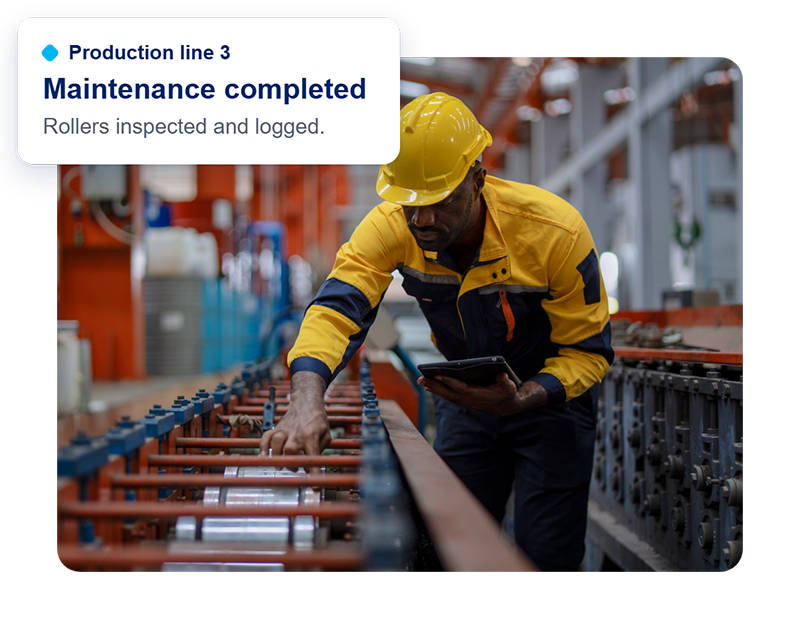
Manufacturing
Keep production moving, reduce equipment downtime and improve operational efficiency.
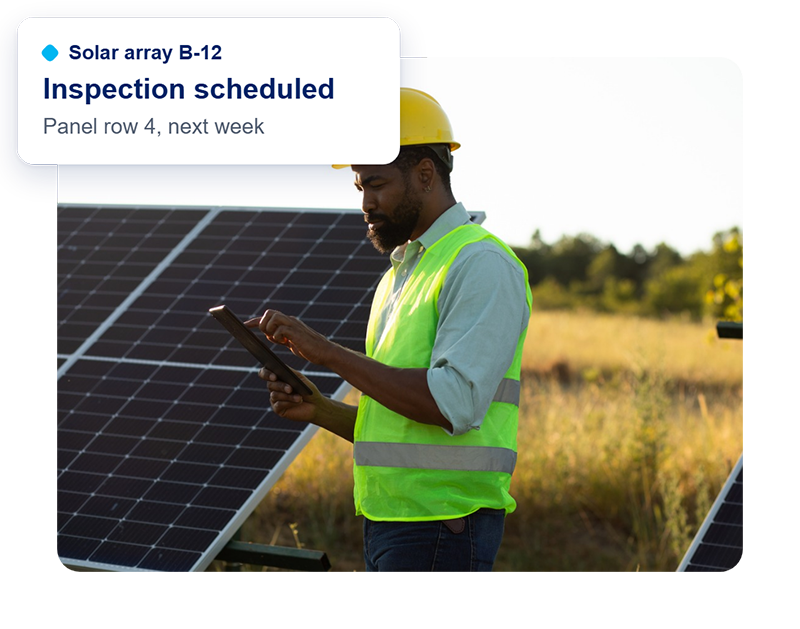
Renewable energy
Improve asset reliability and coordinate maintenance across distributed energy infrastructure.
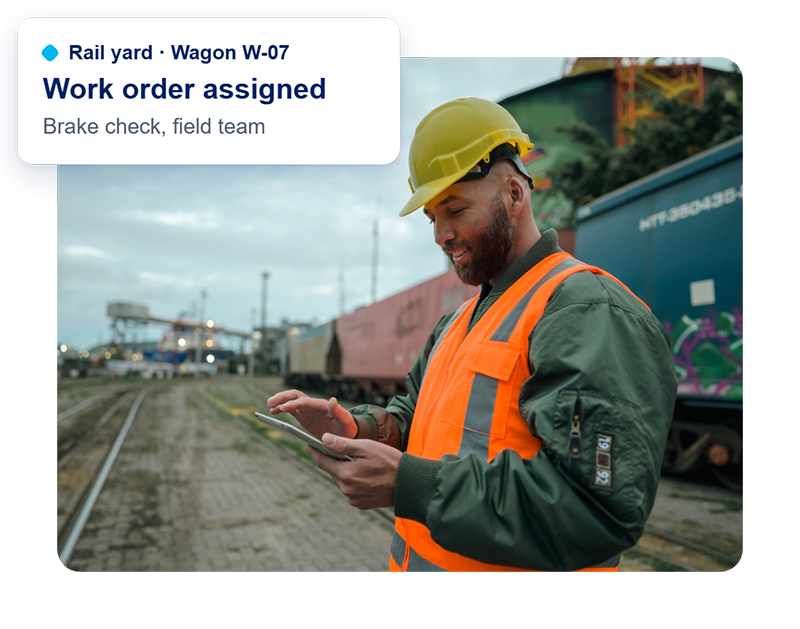
Transportation
Keep critical assets and infrastructure running with connected maintenance and automated processes.
Put your existing systems to work with AI
See how Verovia connects AI agents to your business and industrial systems to automate workflows, reduce manual work, and keep IT in control.
Frequently Asked Questions
Can Verovia prevent AI agents from taking unauthorized actions?
Verovia evaluates agent actions against configured policies before execution. Requests can be allowed, held for review or denied, with additional AI-based risk checks.
Can we require approval before AI changes business records?
Yes. Administrators can configure rules that hold sensitive actions for named human approvers. Approval requests can be sent through Microsoft Teams.
Can our IT team test governance policies before enforcing them?
Yes. Monitor-only mode shows which agent actions a policy would affect before enforcement is enabled.
Does Verovia support compliance audits?
Verovia maps controls to requirements from 19 frameworks, provides control-status evidence, and supports exports and read-only auditor access. This does not itself constitute certification.
Can administrators stop an AI agent?
The governance layer supports pausing agent activity, including a mechanism for agents to pause after repeated denials.
How does Verovia record and protect AI activity logs?
Verovia records details of agent actions and uses a SHA-256 hash chain to make changes or missing entries detectable. Audit records cannot be edited or deleted through the database controls described in the product material.