Compare eight leading enterprise asset management platforms based on ERP integration, mobile and offline access, preventive and predictive maintenance, AI, IoT, and implementation complexity. See which EAM software may be the best fit for organizations using Microsoft Dynamics 365 Business Central.
What you will learn in this article:
How EAM and CMMS software differ and why that matters for Business Central users.
Which EAM systems integrate with Microsoft Dynamics 365 Business Central and how they connect.
How to evaluate mobile, offline, preventive, predictive, AI, and IoT capabilities.
The implementation of trade-offs between large enterprise platforms and Business Central-focused EAMs.
A concise comparison of eight EAM platforms, including TAG Mobi.
Practical criteria to match your maintenance maturity, team size, and technical resources.
Maintenance teams need to choose EAM software that balances features, ERP integration, mobile technician needs, and implementation effort. This article helps Business Central users compare leading enterprise asset management and maintenance management software, so they can select a solution that fits their workflows, budget, and IT capacity. Some EAM platforms are built for large enterprises, some are standalone CMMS tools, and others are designed specifically for Microsoft Dynamics. Comparing these differences can help you determine which software best suits your organization.
In this article, you will learn what EAM software is, how EAM and CMMS software differ, and how eight leading platforms compare. Each platform will be reviewed based on what it is best known for, its main strengths and potential limitations, Business Central integration, mobile and offline capabilities, AI, IoT and predictive maintenance features, and overall fit.
What is EAM software?
EAM software manages the full lifecycle of physical assets, including maintenance planning, work orders, spare parts, inspections, and financial tracking. It connects operational data with procurement, inventory, and accounting, giving stakeholders clearer visibility into asset costs, maintenance activity, and uptime.
Learn more about how an EAM system can help increase uptime.
What is the difference between EAM and CMMS software?
EAM focuses on asset lifecycle planning, financial tracking, long-term asset strategies, and integration with ERP systems. CMMS, or computerized maintenance management software, focuses on day-to-day maintenance tasks, work orders, inspections, and preventive maintenance schedules. CMMS capabilities may be included within a broader EAM platform, while EAM generally supports asset management across multiple departments. Because vendors sometimes use these terms differently, buyers should compare the actual features of each platform.
Why ERP integration matters
ERP integration reduces duplicate data entry for assets, spare parts, purchase orders, labor, and maintenance costs. When an EAM is built for Business Central, maintenance and ERP data can operate within the same Microsoft environment, helping keep inventory, purchasing, maintenance, and financial information aligned.
With separate platforms, information may move through a prebuilt connector or API integration. A custom integration may require middleware or additional development to connect and maintain the systems.
EAM software comparison for 2026
This comparison reviews eight leading EAM and CMMS platforms. The best EAM software for your company depends on your existing systems, asset and maintenance requirements, mobile needs, and available implementation resources.
| Platform | Best for | Business Central integration | Mobile and offline | Preventive and predictive maintenance | AI and IoT | Typical deployment complexity* |
|---|---|---|---|---|---|---|
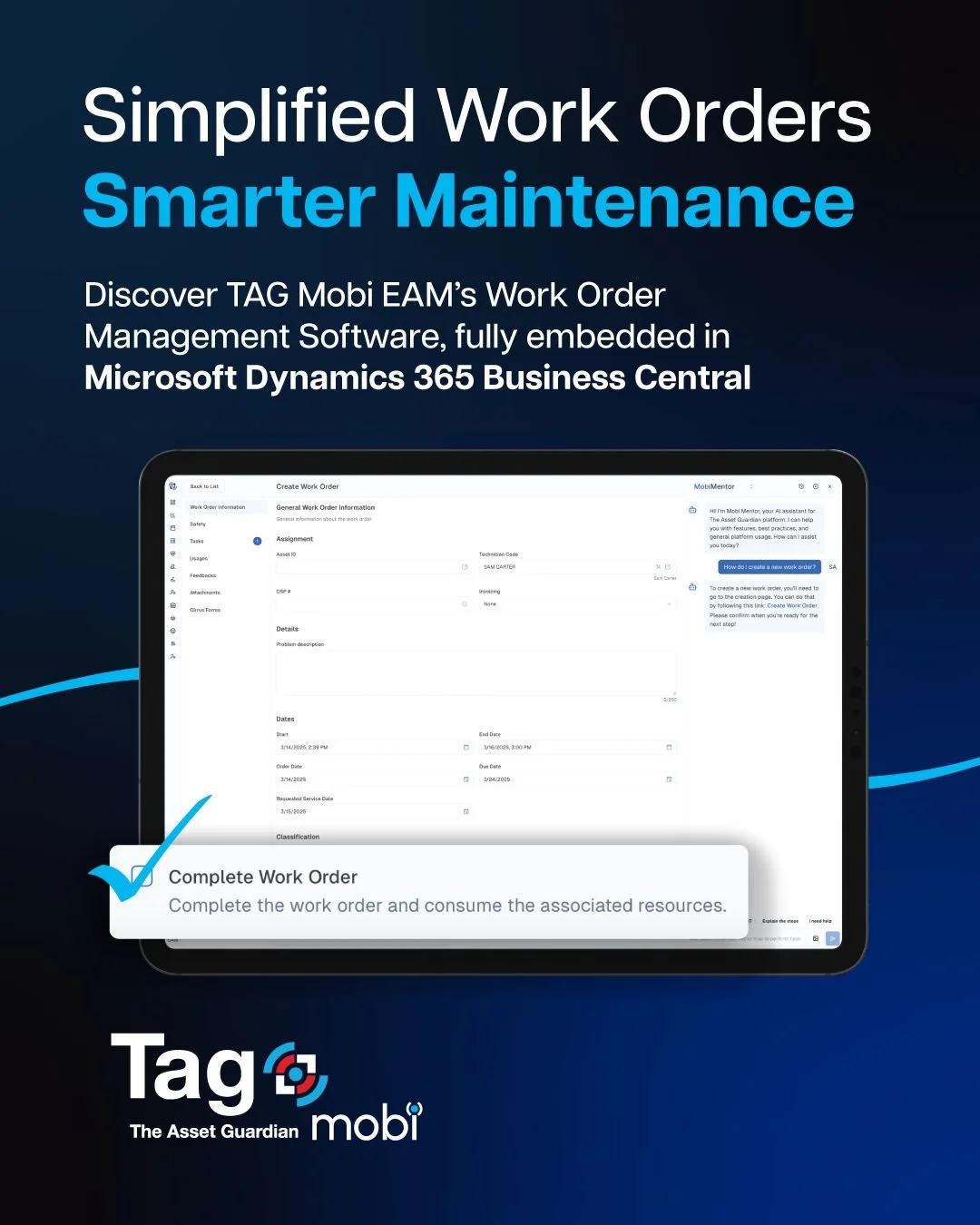
| TAG Mobi | Companies using Microsoft Dynamics 365 Business Central seeking connected EAM, mobile, AI, and IoT capabilities | Built for Microsoft Dynamics 365 Business Central and connects maintenance with assets, inventory, purchasing, labor, and financial data | Mobile and offline capabilities available for work orders, inspections, asset history, photos, parts, and barcode scanning | Supports preventive, predictive, condition-based, and IoT-driven maintenance | Includes mobiMentor AI and TAG Mobi IoT to identify anomalies and turn asset signals into maintenance action | Lower to moderate for Business Central users |
| Dynaway | Companies using Business Central | Built for Business Central and connects maintenance with assets, inventory, purchasing, and other ERP data | Mobile and offline capabilities available | Supports preventive, condition-based, and predictive maintenance planning | Supports IoT measurements and triggers through Microsoft tools and integrations | Moderate |
| eMaint | Mid-sized to larger maintenance teams | No native Business Central integration documented; connects through REST APIs, integration tools, or custom development | Mobile and offline capabilities available | Supports preventive maintenance, predictive maintenance, and condition monitoring | Offers AI capabilities, IIoT sensor integration, condition monitoring, and automated work-order triggers | Moderate |
| IBM Maximo | Large enterprises with complex asset environments | No native Business Central integration documented; connection typically requires APIs, middleware, or custom development | Mobile and offline capabilities available | Comprehensive preventive and predictive maintenance with asset performance management | Offers analytics, condition monitoring, AI, and IoT capabilities | High |
| IFS Cloud | Asset-intensive organizations | No native Business Central integration documented; connects through REST APIs, OData services, middleware, or custom development | Mobile and offline capabilities available | Supports preventive, predictive, and condition-based maintenance | Offers industrial AI, predictive maintenance, and connected-asset IoT capabilities | High |
| MaintainX | Frontline and mobile-first teams | Custom-scoped Business Central integration available on the Enterprise plan; some workflows may require Business Central-side development | Mobile and offline capabilities available | Supports preventive, condition-based, and predictive maintenance using connected equipment data | Offers AI-powered maintenance features, asset health insights, and IoT and sensor integrations | Moderate; higher when custom integration is required |
| Oracle | Large organizations using Oracle enterprise applications | No native Business Central integration documented; connection generally requires APIs, Oracle Integration, middleware, or custom development | Mobile technician tools available; offline workflows may require Oracle Fusion Field Service | Supports preventive and condition-based maintenance, connected-equipment monitoring, and predictive maintenance | Offers built-in AI, AI agents, connected-equipment monitoring, analytics, and IoT capabilities | High |
| SAP | Very large organizations already using SAP | No native Business Central integration documented; connection generally requires middleware or custom integration | Mobile and offline capabilities available through SAP Service and Asset Manager | Preventive maintenance through SAP EAM; predictive maintenance available through SAP Asset Performance Management | SAP Asset Performance Management adds AI, IoT sensor data, anomaly detection, and predictive capabilities | High |
*Deployment complexity is a general comparison and may vary based on configuration, data migration, integrations, customization, training, and organizational requirements.
8 EAM platforms to consider
TAG Mobi
What the software is best for: Organizations using Microsoft Dynamics 365 Business Central that want EAM, maintenance management, mobile, AI, and IoT capabilities connected with their existing ERP environment..
Main strengths: Designed for Business Central workflows, with strong mobile and offline capabilities for technician and support for preventive, predictive, and condition-based maintenance.
Potential limitations: Organizations should evaluate whether its Business Central-focused approach aligns with their ERP strategy, operating model, and specific industry requirements.
Business Central integration: TAG Mobi connects assets, inventory, purchase orders, labor, maintenance activity, and related operational data with Business Central.
Mobile and offline capabilities: Mobile and offline workflows support asset information, parts, field updates, inspections, photos, barcode scanning, and work orders.
AI, IoT, and predictive maintenance: TAG Mobi includes mobiMentor AI and IoT capabilities that help teams use live maintenance data, identify conditions that require attention, and turn asset signals into maintenance action.
Summary: Often the strongest fit for organizations that already run Business Central and want maintenance, mobile, and predictive capabilities without a disconnected system.
Dynaway
What the software is best for: Companies using Microsoft Dynamics 365 Business Central or other Dynamics Environments that want maintenance and asset management capabilities within the Microsoft ecosystem.
Main strengths: Strong ERP data alignment, familiar Dynamics interface patterns, and established work order and preventive maintenance capabilities.
Potential limitations: More complex workflows may require additional configuration or customization. Buyers should also confirm which advanced predictive maintenance and IoT capabilities are included.
Business Central integration: Designed for Microsoft Dynamics environments and able to connect maintenance processes with assets, inventory, purchasing, and other ERP data.
Mobile and offline capabilities: Mobile capabilities are available, but buyers should confirm which tasks can be completed offline in their intended configuration
AI, IoT, and predictive maintenance: Additional modules, integrations, or partner solutions may be required depending on the desired capabilities
Summary: Dynaway is a relevant option for organizations that want an established EAM solution aligned with Microsoft Dynamics. Business Central users should compare its mobile, offline, AI, IoT, and implementation approach with other Dynamics-focused platforms.
eMaint by Fluke Reliability
What the software is best known for: Mid-sized to larger maintenance teams that want an established CMMS features with configurable workflows.
Main strengths: Work order management, preventive maintenance scheduling, reporting, and configurable maintenance processes.
Potential limitations: Organizations using Business Central may require middleware, APIs, or custom integration to keep maintenance and ERP data synchronized.
Business Central integration: Integration may be possible through APIs, integration platforms, or custom development, but it is not designed specifically as a Business Central extension.
Mobile and offline capabilities: Mobile capabilities are available. Buyers should verify which workflows and records remain accessible without a connection.
AI, IoT, and predictive maintenance: Predictive maintenance and condition-monitoring capabilities may be available through the wider Fluke Reliability portfolio or connected solutions.
Summary: eMaint may suit teams that prioritize established CMMS functionality and configurable maintenance processes. Business Central users should account for the additional work required to connect with ERP data.
IBM Maximo
What the software is best for: Large enterprises with complex asset portfolios, multiple locations, and heavy operational and regulatory needs.
Main strengths: Comprehensive asset lifecycle management capabilities, advanced analytics, configurable workflows, and industry-specific modules.
Potential limitations: Implementation can requiresignificant time, budget, consulting support, and internal IT resources.
Business Central integration: Maximo can connect with Business Central through APIs, middleware, or custom integration, but this would typically be a larger integration project.
Mobile and offline capabilities: Mobile and offline frameworks capabilities are available for field and maintenance teams.
AI, IoT, and predictive maintenance: IBM offers analytics, condition monitoring, AI, and IoT capabilities that can support predictive maintenance.
Summary: Maximo is designed for large, complex asset environments. Business Central users should determine whether the scope of a separate enterprise platform is justified compared with extending their existing ERP environment.
IFS Cloud
What the software is best for: Asset-intensive organizations that need maintenance, service management, and broader enterprise capabilities within one platform.
Main strengths: Maintenance planning, field service management, large asset hierarchies, and support for complex operational environments.
Potential limitations: Its enterprise scope can increase implementation cost, configuration requirements, and administrative complexity.
Business Central integration: IFS Cloud is not designed as a native Business Central extension. Integration may be possible via Apis, middleware, or custom deployment.
Mobile and offline capabilities: Mobile applications and offline capabilities are available for supported field and maintenance workflows.
AI, IoT, and predictive maintenance: IFS offers AI, predictive maintenance, and IoT capabilities, although availability may depend on the selected modules and configuration.
Summary: IFS may be a strong option for organizations evaluating maintenance as part of a broader enterprise software strategy. It is less likely to be a simple maintenance extension for an existing Business Central environment.
MaintainX
What the software is best for: Frontline and mobile-first teams that need simple, easy-to-adopt work order and operational workflows.
Main strengths: Technician-friendly mobile access, procedures, checklists, photos, communication, and work order management.
Potential limitations: It may offer less depth in long-term asset lifecycle management, financial tracking, and ERP alignment than a broader EAM platform.
Business Central integration: ConnectingMaintainX with Business Central may require a third-party connectors integration, or custom development.
Mobile and offline capabilities: MaintainX emphasizes mobile experience. Buyers should verify which activities are supported offline and how information synchronizes when a connection returns.
AI, IoT, and predictive maintenance: AI, condition monitoring, and connected-data capabilities may vary by plan, feature, or integration.
Summary: MaintainX may suit teams prioritizing technician's usability and rapid rollout. Business Central users should evaluate whether its standalone structure creates additional integration and data-management requirements.
Oracle
What the software is best for: Large organizations already using Oracle enterprise applications or considering a broader Oracle ERP and asset management environment.
Main strengths: Strong financial controls, procurement, support for global operations and enterprise reporting.
Potential limitations: Oracle implementations can be costly and complex and may require specialized technical consulting resources.
Business Central integration: Oracle is not designed as a native Business Central maintenance solution. Connecting the two environments would generally require APIs, middleware, or custom integration.
Mobile and offline capabilities: Mobile options are available, although buyers should verify the specific offline workflows supported by the selected Oracle product.
AI, IoT, and predictive maintenance: Oracle offers AI, analytics, and IoT services that may support condition monitoring and predictive maintenance.
Summary: Oracle is most relevant to enterprises already invested in its technology ecosystem or considering a wider enterprise software change. It is not typically a straightforward maintenance add-on for Business Central.
SAP
What the software is best for: Very large companies already using SAP ERP and managing complex assets, global operations, or extensive maintenance requirements.
Main strengths: Deep integration with SAP finance, procurement, inventory, and supply chain processes, along with broad asset management capabilities.
Potential limitations: Implementingcan involvehigh cost, long implementation time, technical expertise, and organizational change.
Business Central integration: SAP EAM isnot designed as a native Business Central solution. Connecting Business Central and SAP would generally be a complex integration project.
Mobile and offline capabilities: SAP provides mobile applications and offline frameworks for supported maintenance workflows.
AI, IoT, and predictive maintenance: SAP offers analytics, AI, IoT, and predictive maintenance capabilities through its broader product environment.
Summary: SAP EAM is generally best suited for enterprises already standardized on SAP. Business Central users should consider whether adopting a separate SAP environment fits their broader ERP strategy.
How to choose the best EAM software
To select the best EAM software, compare your operational needs with each platform’s capabilities, integration options, and implementation requirements. Key factors include:
ERP integration: Confirm how the EAM connects assets, spare parts, purchase orders, labor, maintenance costs, and financial data with your existing ERP.
Mobile and offline access: Check whether technicians can view and update work orders, complete inspections, access asset history, attach photos, scan barcodes, and work without a reliable connection.
Preventive and predictive maintenance: Evaluate scheduling, usage-based triggers, condition monitoring, anomaly detection, and whether predictive capabilities are included or require additional tools.
AI and IoT capabilities: Determine whether the platform can use live maintenance or sensor data, automate administrative tasks, prioritize alerts, and turn equipment signals into maintenance action.
Deployment complexity: Consider data migration, configuration, integration, training, consulting requirements, and the internal resources needed to manage the system.
Organizational fit: Choose a platform that matches your existing systems, asset complexity, number of locations, technician workflows, maintenance maturity, and available IT resources.
What Business Central users should look for in EAM software
Business Central users should prioritize:
Native or supported Business Central integration that keeps assets, inventory, purchasing, labor, and maintenance data aligned.
Mobile tools that support technicians’ day-to-day workflows and continue working without a reliable connection.
Preventive maintenance scheduling and straightforward setup of usage-based or condition-based work.
Predictive maintenance and IoT capabilities that can support future maintenance requirements.
AI and automation tools that reduce administration and make maintenance data easier to use.
An implementation plan that fits the organization’s IT resources, budget, and change-management capacity.
Vendor support for Business Central updates, compatibility, and ongoing integration requirements.
Choose the best EAM software for your organization
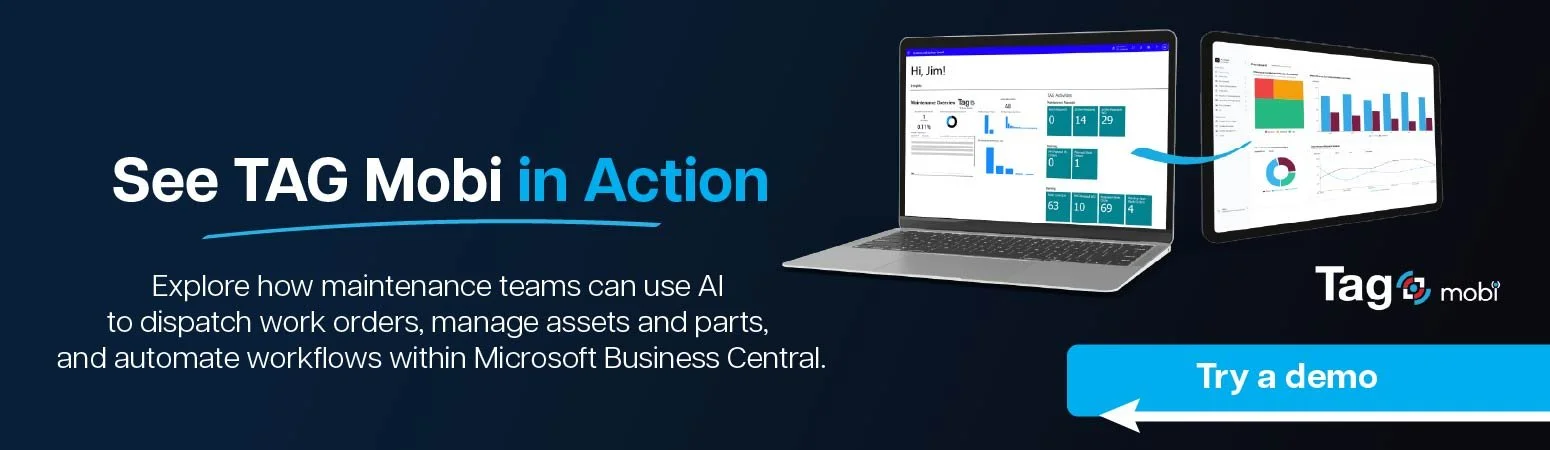
The best EAM software aligns with your existing ERP, technician workflows, and implementation capacity. Business Central users should compare integration, mobile and offline access, preventive and predictive maintenance, AI, IoT, and the effort required to deploy and adopt each platform. TAG Mobi connects EAM, mobile maintenance, AI, and IoT capabilities with Microsoft Dynamics 365 Business Central. Explore an interactive demo to see how it can support your maintenance team.
FAQ
What is the best EAM software in 2026?
The best EAM software in 2026 depends on your existing ERP, asset complexity, mobile requirements, maintenance needs, and implementation resources. Business Central users may benefit from platforms designed specifically for Microsoft Dynamics, while other organizations may prefer a standalone CMMS or a broader enterprise EAM suite. Buyers should focus on fit rather than selecting the platform with the longest feature list.
Which EAM systems integrate with Microsoft Dynamics 365 Business Central?
TAG Mobi and Dynaway are designed for Microsoft Dynamics environments and offer closer alignment with Business Central processes. Other platforms, including eMaint, MaintainX, IBM Maximo, IFS Cloud, Oracle, and SAP, may connect through APIs, middleware, third-party integration platforms, or custom development. Buyers should confirm whether the integration already exists, what data it covers, and who is responsible for maintaining it.
What is the difference between EAM and CMMS software?
EAM software generally supports the broader lifecycle of physical assets, including maintenance, inventory, purchasing, financial tracking, and long-term asset planning. CMMS software focuses more closely on maintenance execution, including work orders, preventive maintenance, inspections, and technician workflows. The terms sometimes overlap, so buyers should compare each platform’s actual capabilities.
Which EAM platforms offer predictive maintenance, mobile apps, and offline access?
Many leading EAM and CMMS platforms offer mobile access, but their offline and predictive maintenance capabilities vary. Some include predictive features and IoT connectivity, while others require optional modules, integrations, or external analytics tools. Buyers should confirm which mobile tasks work offline and whether predictive capabilities are built in, separately licensed, or delivered through another system.
How do TAG Mobi and Dynaway compare for companies using Business Central?
TAG Mobi and Dynaway both focus on Microsoft Dynamics environments. Buyers should compare their approach to Business Central integration, mobile usability, offline workflows, AI, IoT, predictive maintenance, implementation, and support for their specific operational requirements. A detailed TAG Mobi versus Dynaway comparison can help Business Central users evaluate these differences more closely.